Page 94 - Chapter 5
STOPW
STOPW
A
A
TCH
TCH
STOPWATCH
Allows you to use your phone as a stopwatch.
The stopwatch displays time in hours, minutes, seconds,
and 1/100 of a second.
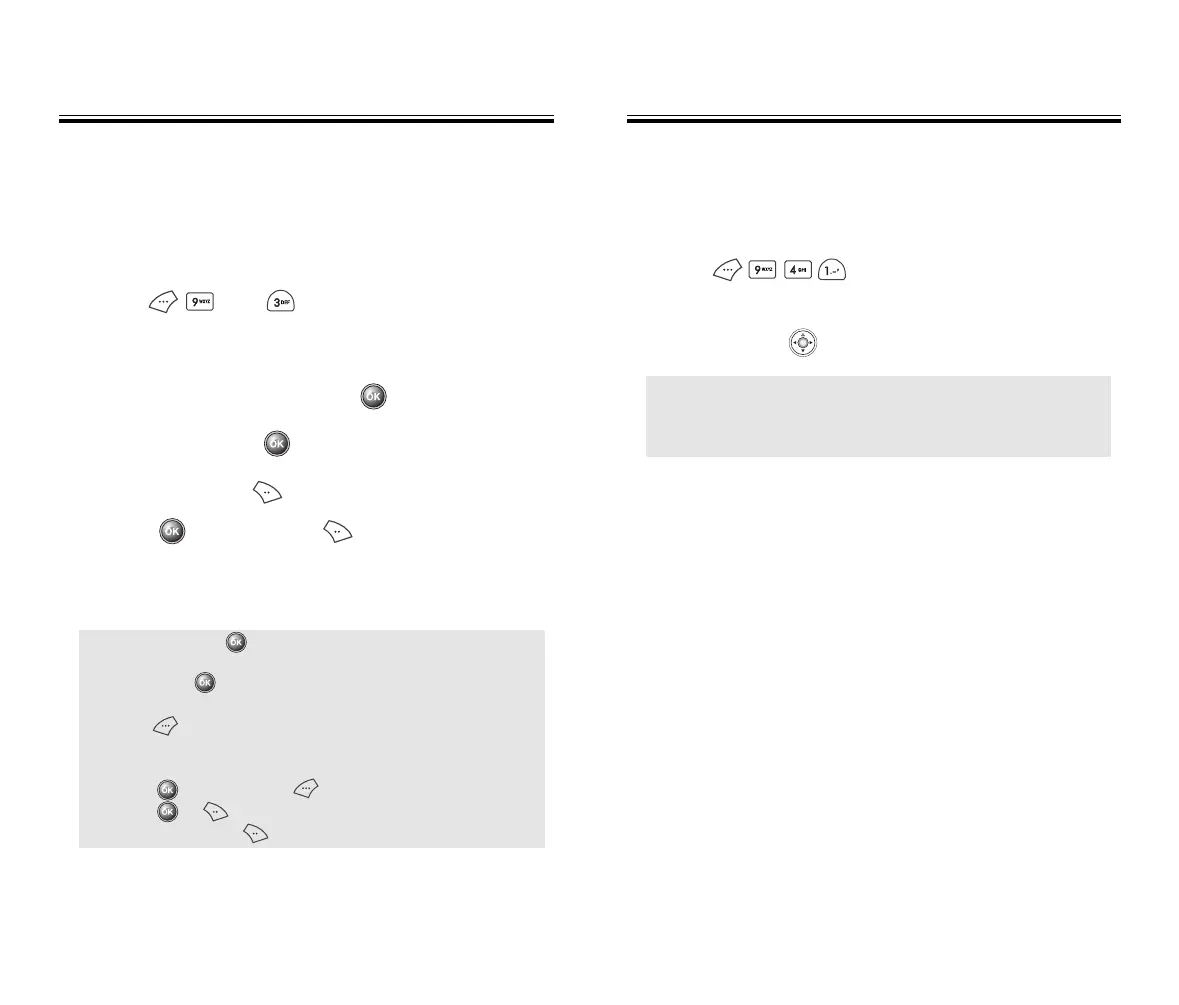
1. Press then for stopwatch.
2. To measure a time period.
●
To start the stopwatch, press .
●
To pause it, press .
●
To reset it, press .
●
Press to resume it or to return to the
previous page.
3. To measure more than one timed event:
● To start, press .
● To stop a time period and continue measuring another
one, press .
● To stop the second and continue measuring a third one,
press .
● Keep repeating the above to measure up to 6 time
periods.
● Press to stop it and to view the results.
● Press or to return to the stopwatch.
● To reset it, press .
Chapter 5 - Page 95
LOCA
LOCA
TION
TION
SETTINGS
To select whether or not you allow the network system to
detect your position.
1. Press .
2. Select “Location On” or “911 Only” with the
navigation key .
● 911 Only : Your location will be hidden from network
and application except 911.
● Location On : Your location is now available to the
network.
50C-verginmobile3/21ºˆ¡§ 2003.3.21 10:30 AM Page 96



 To Next Page