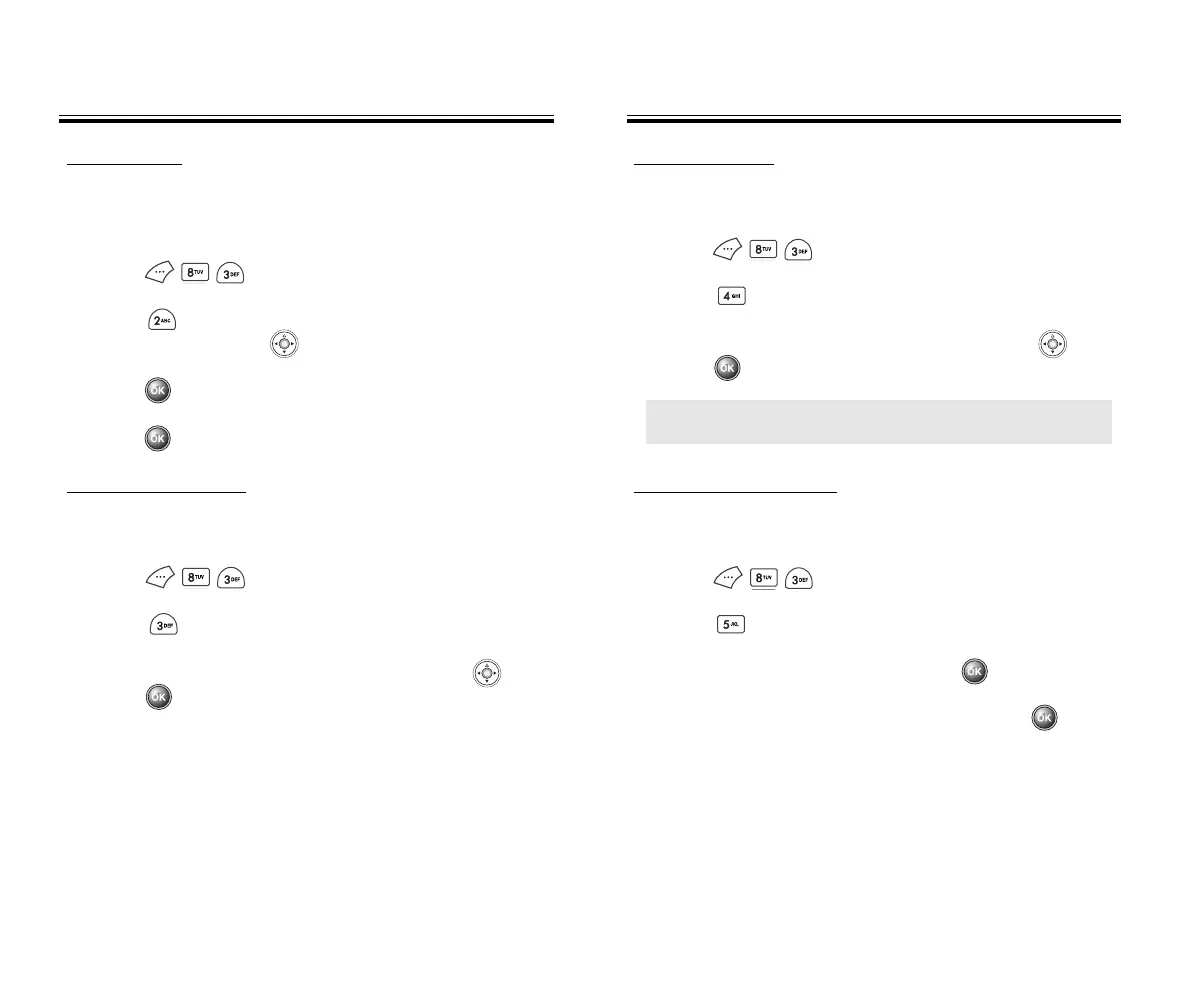
SPECIAL #’s
Stores 3 phone numbers that are allowed to be dialed
even in lock mode.
1. Press then enter “PASSWORD.”
2. Press then select one from three blanks with
the navigation key .
3. Press and input a phone number
4. Press again to save it.
CLEAR CONT
ACTS
Clears all contacts entries.
1. Press then enter “PASSWORD.”
2. Press .
3. Select “Yes” or “No” with the navigation key .
Press .
RESET PHONE
Resets phone to default settings.
1. Press then enter “PASSWORD.”
2. Press .
3. Select “Yes” or “No” with the navigation key .
Press .
CHANGE P
ASSWORD
Changes password.
1. Press then enter “PASSWORD.”
2. Press .
3. Enter a new password, then press .
4. Enter the new password again, then press .
● When you select “Yes”, the powering off animation
appears and the phone will automatically reboot.
SETTINGS
SETTINGS
SETTINGS
SETTINGS
Chapter 4 - Page 67
Page 66 - Chapter 4
50C-verginmobile3/21ºˆ¡§ 2003.3.21 10:29 AM Page 68



 To Next Page