VS MENU
VS MENU
Chapter 4 - Page 87
Page 86 - Chapter 4
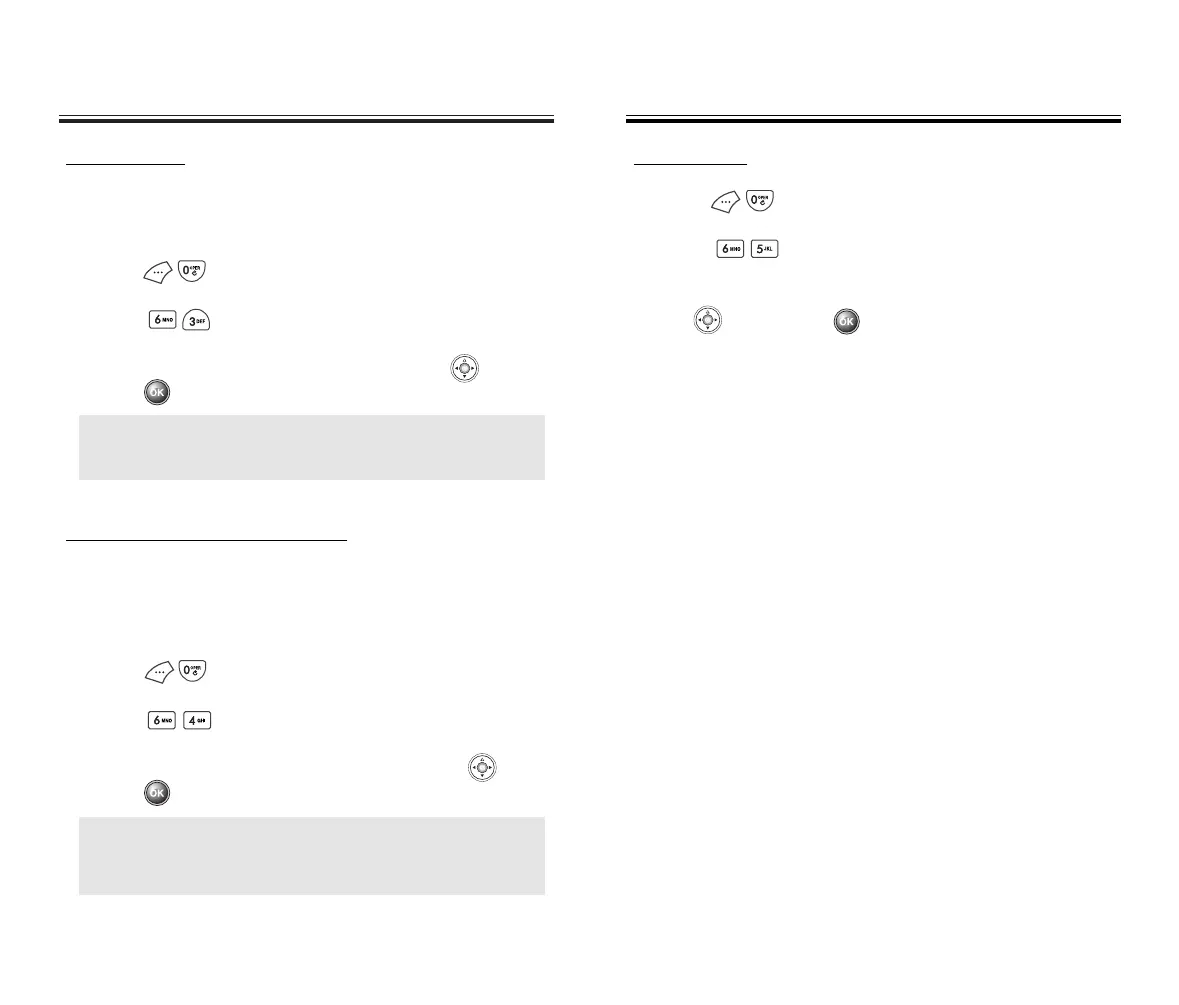
DIGIT MODE
Use the digit mode to select one of the following
options ; echo, beep, echo+beep.
1. Press .
2. Press .
3. Select one option with the navigation key , then
press .
HANDS-FREE CAR KIT MODE
With the Hands-Free Car Kit (HFK) function, you can
activate and utilize the VR feature when the phone is in
HFK mode.
1. Press .
2. Press .
3. Select “Off” or “On” with the navigation key , then
press .
ECHO: Digit echoes back when entered.
BEEP: Digit beeps when entered.
ECHO + BEEP: Digit echoes and beeps when entered.
NOTE: Once you say “Wake-Up” and the phone
recognizes your voice, you will hear a beep.
The second time you say “Wake-Up”, your phone
turns to VR mode.
VS MENU
VS MENU
SET ACTIVE
1. Press .
2. Press .
3. Select “Send Key” or “Active Flip” with the navigation
key , then press .
50C-verginmobile3/21ºˆ¡§ 2003.3.21 10:29 AM Page 88



 To Next Page