Satellite Unit Setup Menu
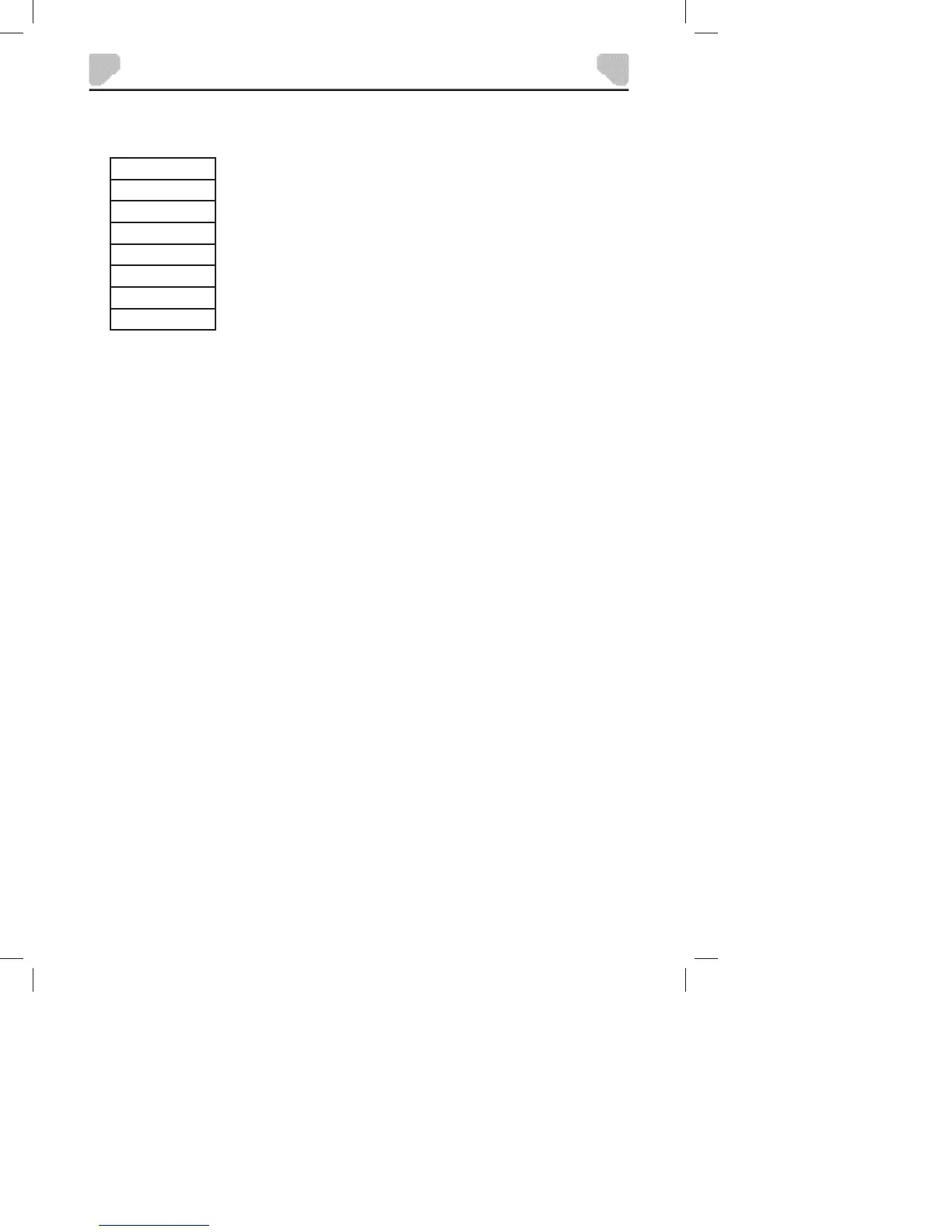
1. Press the MENU button on the Satellite Unit. The following menu will appear on the screen:
BRIGHTNESS
CONTRAST
HUE
SATURATION
SHARPNESS
MODE
LANGUAGE
RESET
2. Press the
or button to choose an item.
3. Press the VOL- or VOL+ button to change the setting.
4. Press the MENU button again to exit.
Options:
BRIGHTNESS: Adjusts the black level in the picture.
CONTRAST: Adjusts the level of the brightest highlights in the picture.
HUE: Adjusts the level of tint balance.
SATURATION: Adjusts the level of color intensity.
SHARPNESS: Adjusts the edge enhancement of the picture.
MODE: Selects between 16:9 and 4:3 aspect ratio.
LANGUAGE: Selects the on screen display language.
RESET: Restores the default settings.
24
SYSTEM SETUP


 To Next Page