128-6743
18 of 26
-18-
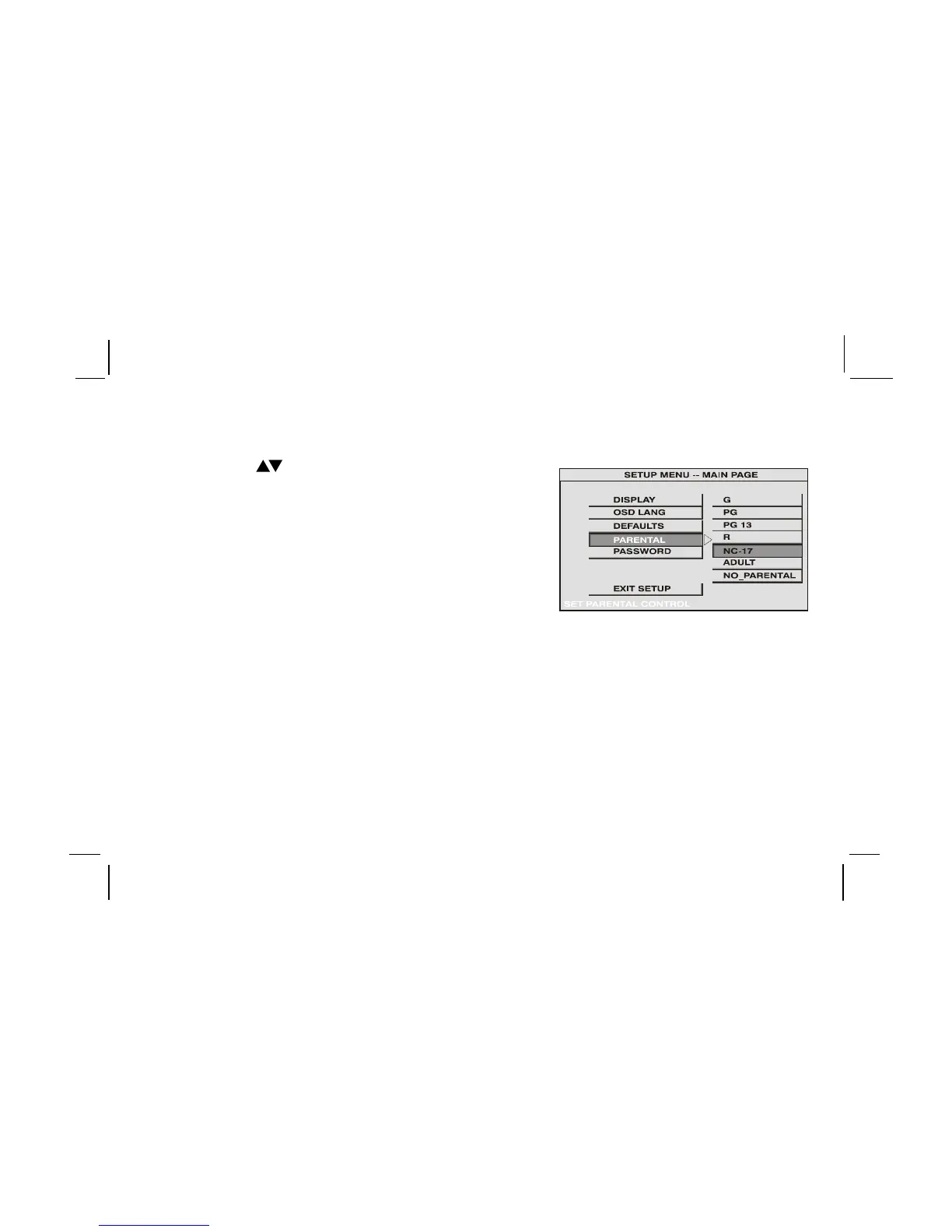
Settings for Parental (Parental Control)
This section of the SETUP Menu allows user to control the content of movie playback from G to NO_PARENTAL.
The Parental Control function allows you to limit viewing to your preference.
1. Use the
buttons to select
G (Children)
PG
PG 13
R
NC-17
ADULT (Adult)
NO_PARENTAL (No Parental Control)
Note:The lower the value, the more strict the limitation.
Press the Enter button to confirm the selection.
2. Input a password in 4 digits using the numeric buttons then press the Enter button.
The Default password is 3308.









 To Next Page