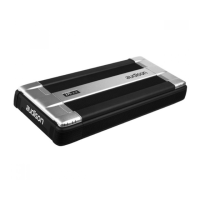
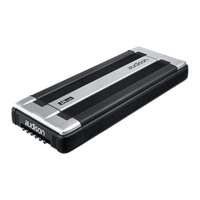
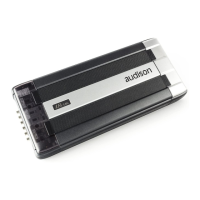
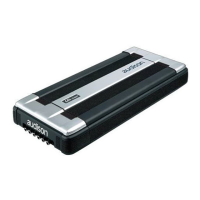
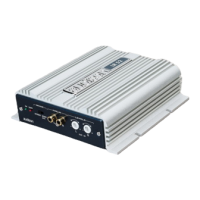
You can connect the cables to ECI-H module
before securing it to the amplifier.
Choose the module position and follow
the connection instructions you can find on
the labels. The amplifier must be off.
Flush mounting Semi-embedded mounting
Mounting template
A template is supplied to help you pre-plan the mounting of your amplifier. Printed on the
template are instructions for flush or semi-embedded mounting, or for installing it on a flat
surface. If you want to hide the cables, you can refer to the proper holes on the template.
How to run the cables under the amplifier
If you use CONNECTION Audison interconnects, attach Y BLOCK on one of the mounting
pins of the amplifier after plugging in RCA connectors.
Route the cable in the proper location and secure it with the supplied clips.
To attach the clip, insert the tongue first, and then press until you hear a click.



 To Next Page