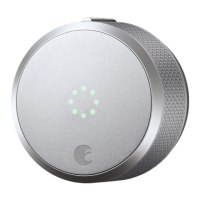
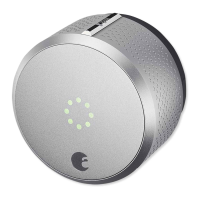
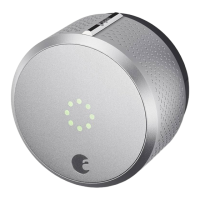
24
Step 7:
Remove battery tabs.
Press down on the face place and rotate it
counterclockwise to open the battery compartment.
(Don’t remove the factory seal until instructed to do so
during the calibration process.)
Holding batteries in place, remove the plastic
battery isolation tab. Make sure that the battery is prop-
erly seated in its compartment.
Align faceplate hooks with the August Smart Lock.
The faceplate will lock into place with the logo at
the bottom.
A
B
C


 To Next Page