2
Setup and Installation
Install the Doorbell
Set up in the August app
Plug Into Power
Adjust Settings
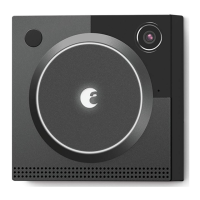
A compatible August Doorbell Cam is required to use the August Chime. Follow
the instructions included with your Doorbell Cam.
Download the August Home app and follow the in-app setup instructions. The
app can be downloaded at http://august.com/app
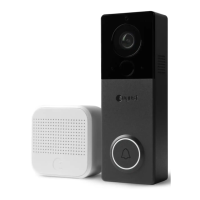
Plug your August Chime into a power outlet near your Doorbell Cam and wait for
the white light. Your August Chime must be plugged into a properly working AC
outlet, in reasonably close proximity to your August View Doorbell Cam. Mini-
mizing interference from walls and other electronic radio waves will yield greater
performance and reliability.
Various settings can be adjusted to customize your chime. In the August app,
navigate to the Settings tab and tap on your chime.
• Chime name
• Adjust the sound played during doorbell & motion events
• Adjust the volume level
• Enable or disable the LED lashing on doorbell & motion events


 To Next Page