5
Before You Begin
| Set up in the August app irst
| Position the camera where you want it on the wall
• Download the August Home app by visiting http://august.com/app.
• Sign in with your August account, or create one.
• Tap Set up a New Device from the side menu.
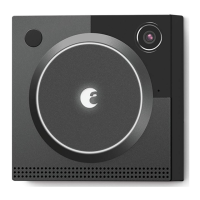
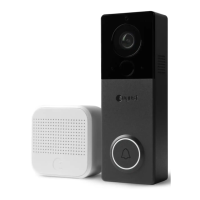
• Choose August Doorbell Cam, then August View.
• Name your device and assign it to an August house.
• Follow the instructions to connect your doorbell cam to Wi-Fi.
• Once online, your August View Doorbell Cam is ready to use.
• Recommended position is approximately 48 inches /4 feet (121cm) up from the ground,
near your door.
• You may wish to check your chosen position before mounting to the wall. This can be
done by viewing live video from the doorbell cam in the August app while testing mounting
locations. Make sure the doorbell camera captures the desired area before mounting.
• If needed, the included wedge can be placed between the wall and the doorbell cam to
adjust the horizontal viewing angle.


 To Next Page