Tip: the different music sources can be accessed from any screen of the app by sliding the screen towards the right
5.5.1. Local Music
Press the music icon under the ‘DEVICE LIST’.
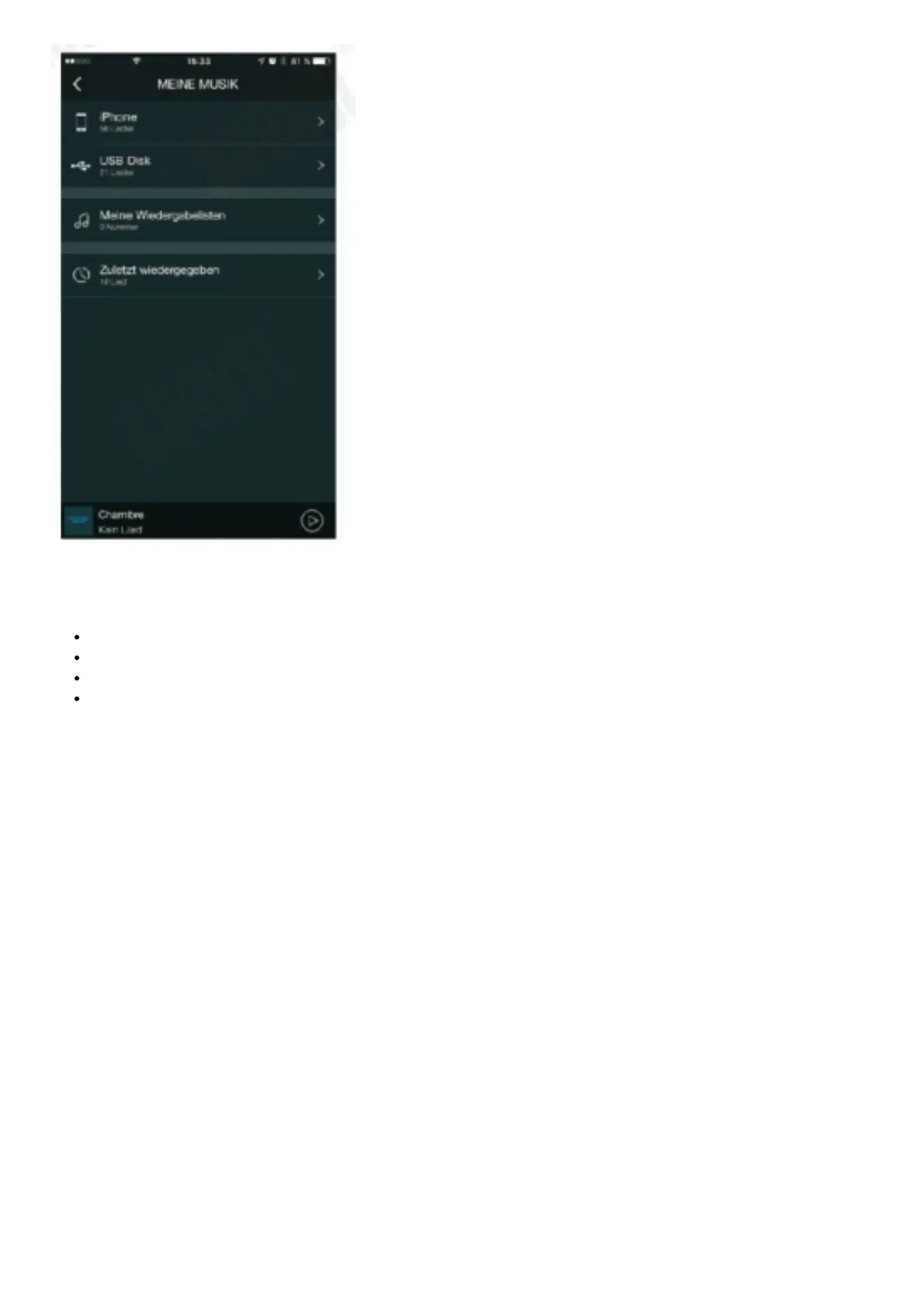
Press ‘My Music’ to search for local music.
Press the device icon to view all the music on the device and select one to play.
Under ‘Song’ press to see more options.
5.5.2. External Storage Device Music
5.5.2.1. USB Stick The WS300 can play music from a USB stick.
• Press to browse and play.
5.5.2.2. Micro SD Card
The WS150 can play music from a micro SD card. When a micro SD card is inserted, the WS150 will scan and start
playing music from the micro SD card automatically.
5.5.3. Third Party Music Providers



 To Next Page