Quick Start Guide
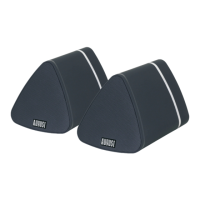
1. Scan the QR code below with your device or search for ‘August Alink’ to download and install the app from the
Google Play or the Apple Store.
Note: For Blackberry phones, go to www.augustint.com do download the application .apk file and install it.
2. Enable Wi-Fi on your device and connect to your network.
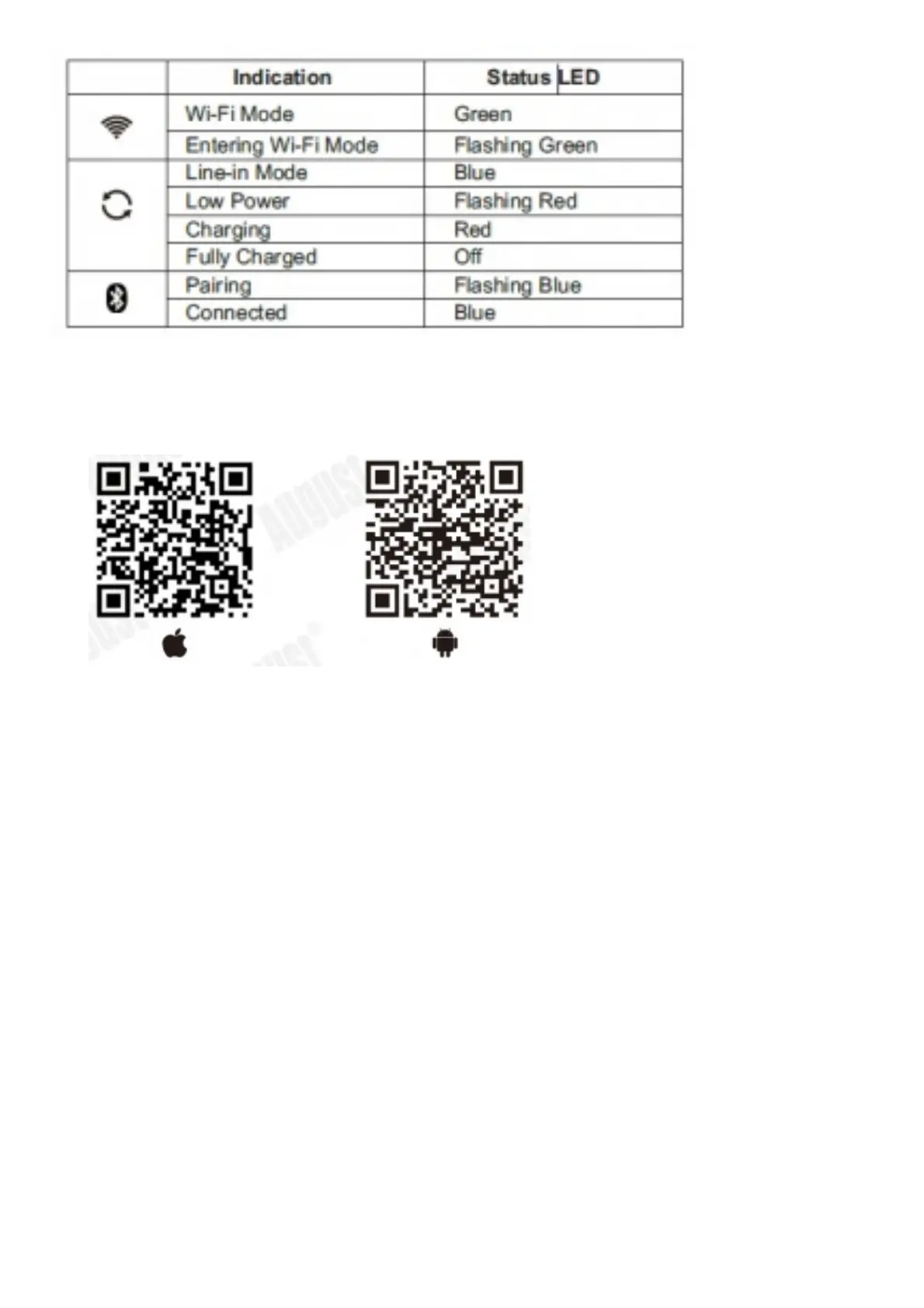
3. Switch on the speaker, after 20 seconds it will enter the Wi-Fi mode. will flash for 15 seconds when entering Wi-
Fi mode. Once in Wi-Fi mode, will light green.
4. Run the App and follow the on screen guide to setup. Please fully charge the WS150/WS300 before first use.
To charge the device, use the provided USB power cable
to connect the speaker to a powered USB port. Tip: Once in Wi-Fi mode, you can connect the speakers to your
Wi-Fi directly from your router, without passing
through the application. Press WPS on the speaker then press the WPS button on your router. They will
establish the connexion on their own
1. Run the application and press ‘Wi-Fi Setup Wizard/Add Device’



 To Next Page