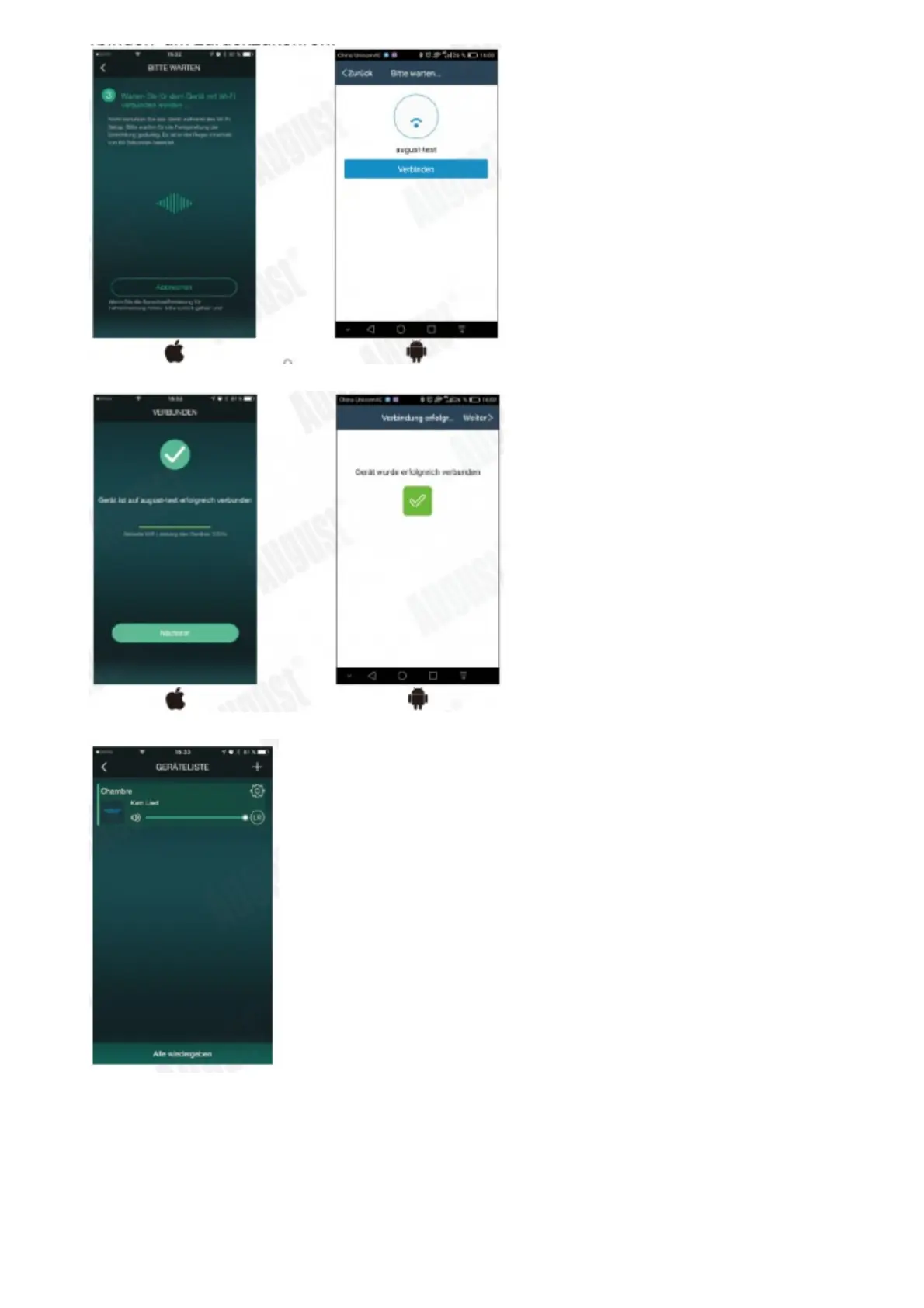
5. Once connected press ‘Next/Finish’ to finish
6. To add another device, press ‘+’ on the ‘Device List’ page and repeat steps 2-4
5.2.1.2.Direct Connection
You can also connect your phone / tablet directly to the speaker’s Wi-Fi network.
1. Switch on the Wi-Fi speaker
2. Enter the Wi-Fi setting of your device and connect to the speaker’s Wi-Fi network. The Wi-Fi network’s name is
‘Wi-Fi Speaker_xxxx’.
3. Once connected your speaker has become a router and you can play your music or add another speaker.



 To Next Page