22
Other Settings: 4.1.1.4
There are two different options in other settings
RTC Setting
Intermediate Position Setting
RTC Setting
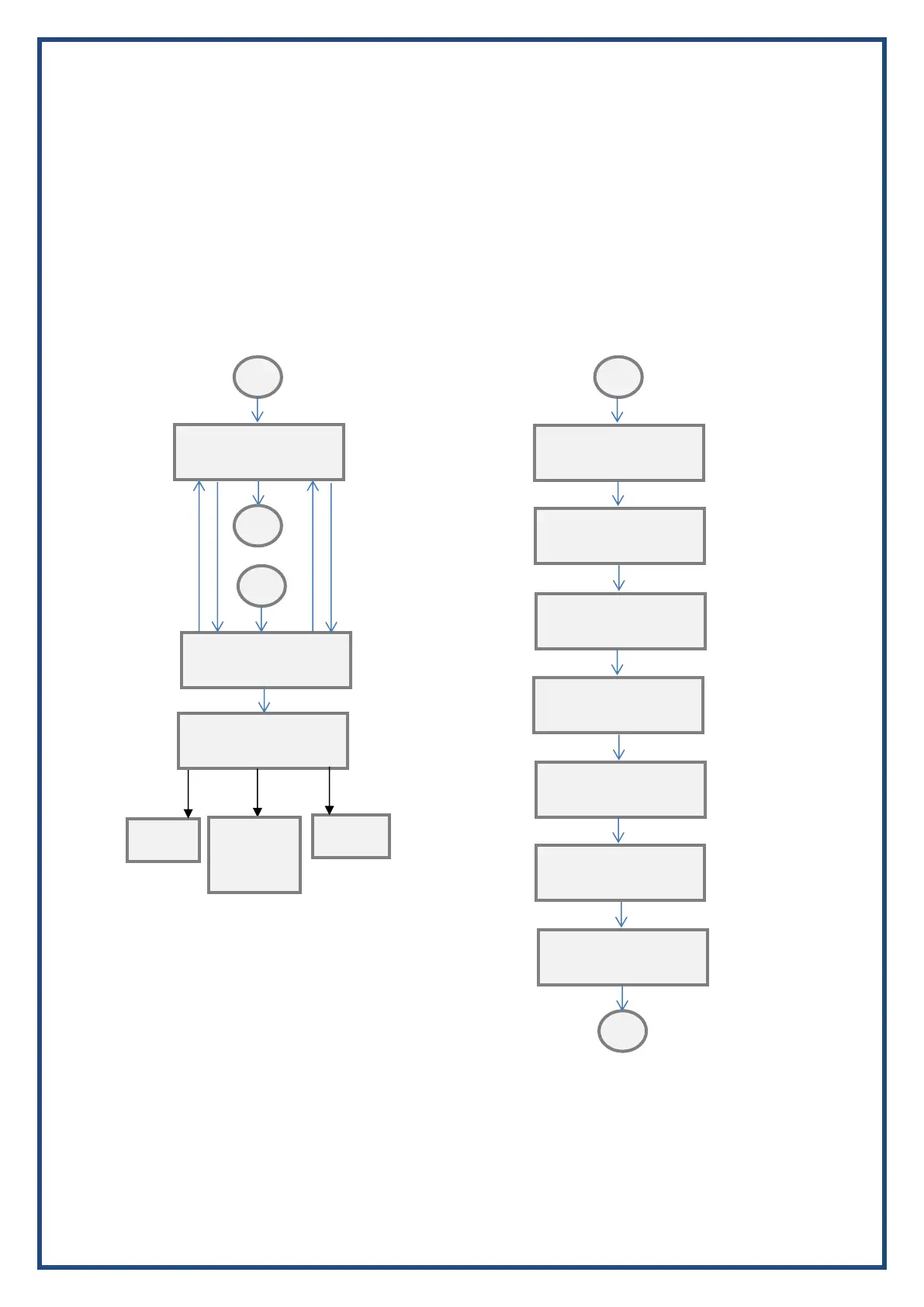
Navigate to “SET RTC” in ‘Other Settings’ inside the Program mode. Press stop key to enter the RTC setting. First
setting will be SET Date Press Open or Close key to increase or decrease the date respectively. Press Stop to
move to Next setting.
Follow the above procedure to Month, Year, Hour, Minute and Day.
After setting Day Press Stop key, you will get a menu to save current time to reset RTC. Select YES or NO by
pressing Open or Close key respectively. Press stop to exit the menu.
Intermediate Position Setting
This setting is used to operate a relay to indicate the intermediate valve position. After entering “Intermediate
Pos” from other options you can select the position from 1 to 99 and press stop to save. Any of the relays can be
configured to show this position. The relay can be configured from relay settings mentioned above.
SET Date
18/09/18 09:18 4
SET Month
18/09/18 09:18 4
SET Year
18/09/18 09:18 4
SET Hour
18/09/18 09:18 4
SET Minute
18/09/18 09:18 4
Save RTC Y?N YES
18/09/18 09:18 4
Intermediate Pos
Stop Key Enter
Goes to
General


 To Next Page