29
Change Torque Value 4.2.4
a) Press STOP key when the following screen appears on LCD
Enter the password and upon successful password entry, the below screen appears.
Do not press Stop key, instead press OPEN key until the following screen appears.
b) Press OPEN Key until the following screen appears
c) Open Tripping Torque and Close Tripping Torque can be changed by using Open/Close keys.
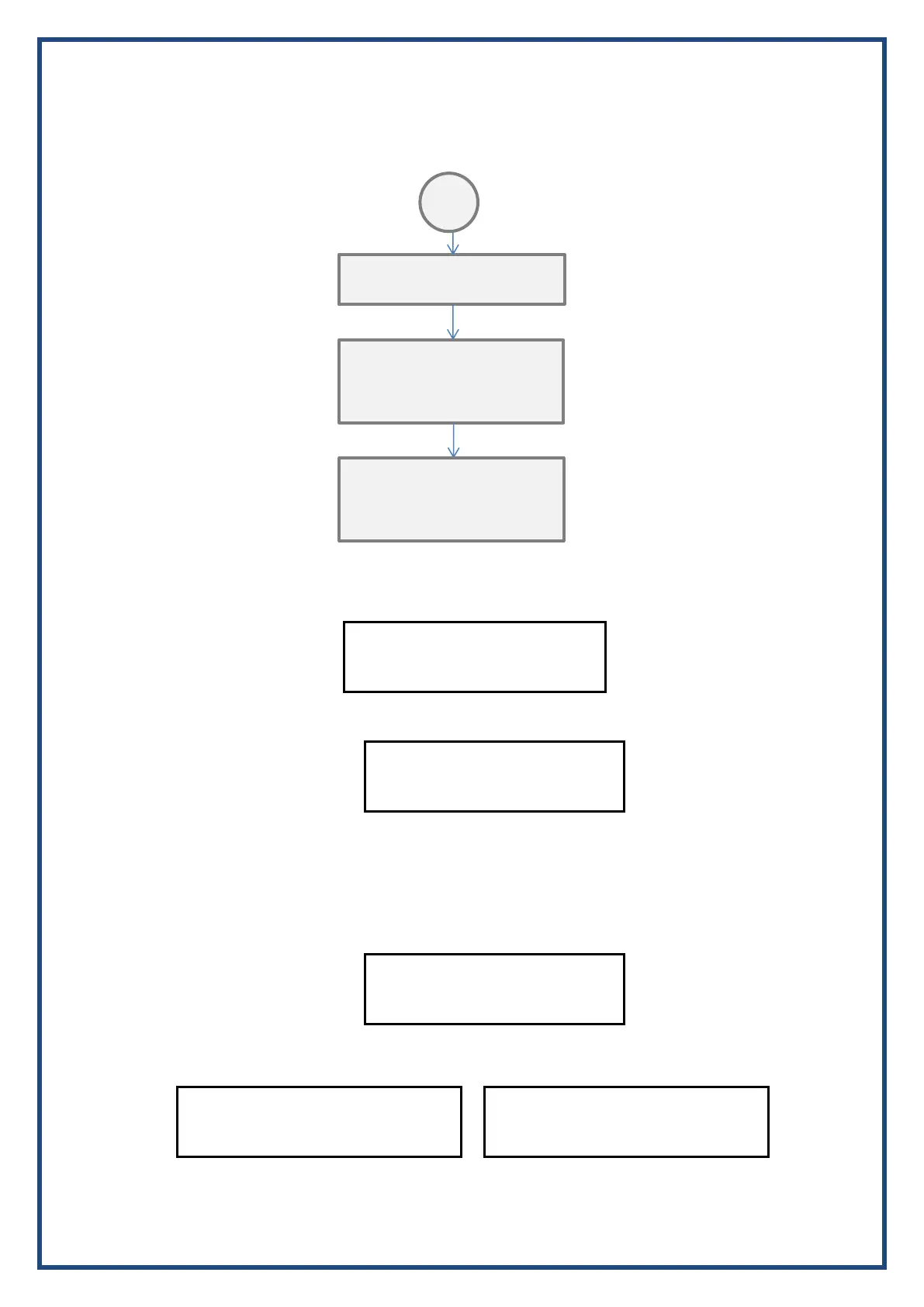
Calibration Mode
Press Stop Key
TOR CAL Mode
Press Stop Key
Change Tor Value
Stop Key Enter
Set Open Tripping Torque
xxx Nm
Set Close Tripping Torque
xxx Nm
Change Torque Value
Stop Key Enter
Set Open Tripping Torque
xxx Nm
Set Close Tripping Torque
xxx Nm
Press Open/Close to change and
Stop to Store
Press Open/Close to change and
Stop to Store


 To Next Page