8
1
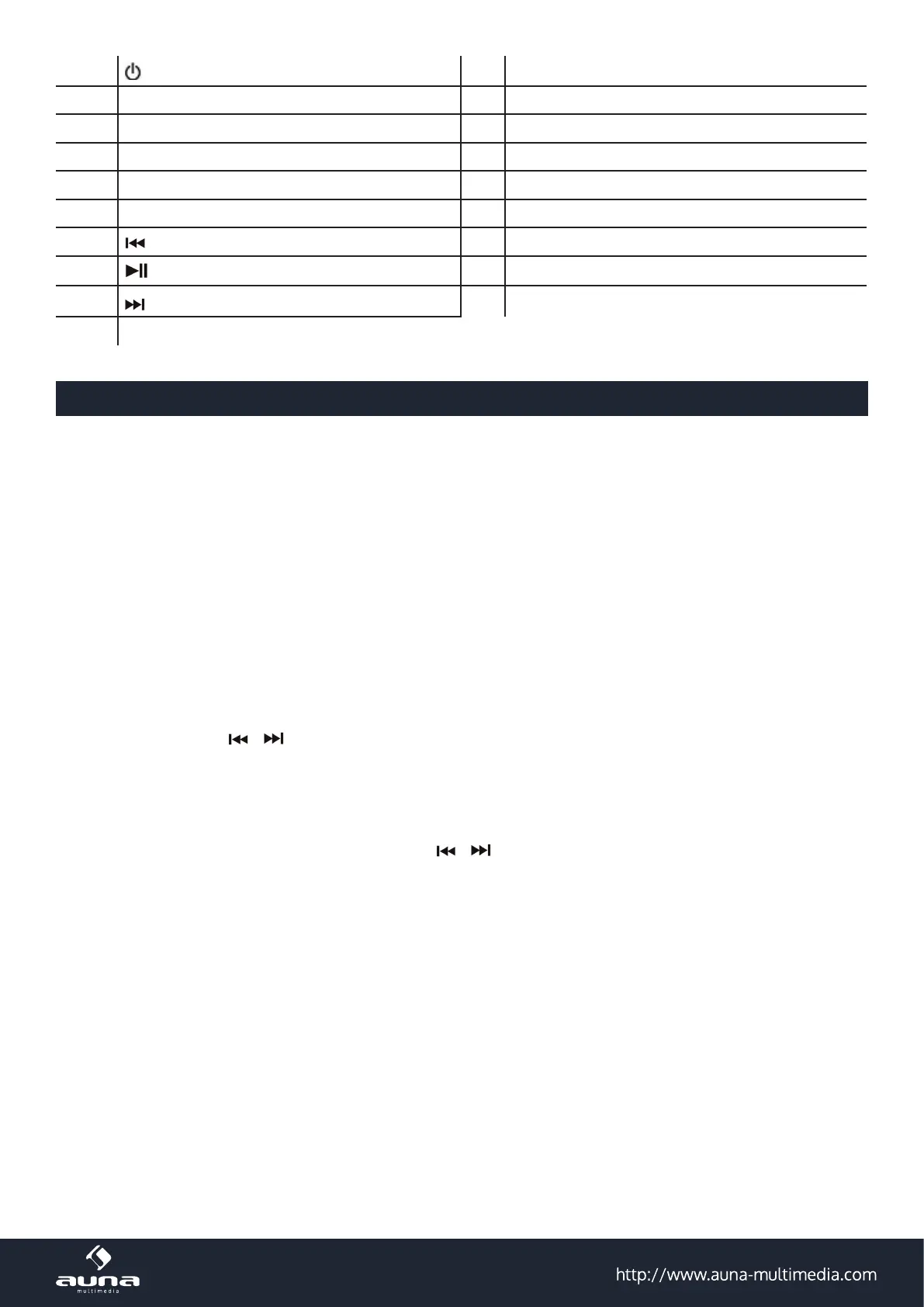
Power On/O
11 Speaker
2 SOURCE 12 SET
3 MEMORY / CLK ADJ 13 Battery compartment
4 ALARM1 14 Display
5 SNOOZE / SLEEP / DIMMER 15 Rating label
6 Alarm 2 16 Line-In jack
7
17 DC jack
8
/ Memory Up / Pair
18 USB charging jack
9
19 Antenna
10 Volume knob
Initial Use
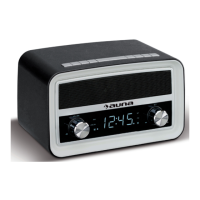
AC-DC adaptor connection : The retro radio unit can be powered by an external AC-DC adaptor, required the output
DC 5V 1.5A (included).
Plug the AC-DC adaptor to a household AC socket, connect the adaptor’s DC output plug to the DC POWER INPUT Jack
of the main unit.
This unit is equipped with a battery back up system; it requires a “AAA” batteries x 2 (not included). Insert the battery in
the battery compartment, making certain that the positive and negative (+and-) battery terminals are attached to the
corresponding terminals on the plate in the battery compartment.
If an AC power failure occurs, the clock automatically switches to the battery power supply, the clock and timer mem-
ory continue running. When the AC power resumes, the clock switches back to AC again.
Setting the clock
• Press and hold CLK.ADJ. (3) in standby mode to enter time set mode. The display “24 Hr” will ash.
• Turn SET (12) to choose the „12 Hr“ or „24 Hr“ mode.
• Press CLK.ADJ. button (3). The time display will ash.
• Turn SET (12) (or use / alternatively) to adjust the clock and press CLK ADJ again to conrm. The clock set-
ting is complete.
Alarms & Snooze
• Press and hold the ALARM1 (4) or ALARM2 (6) until the alarm time ashes.
• Turn SET (12) to set the desired alarm time (or use / alternatively). Press the alarm button to complete the
settin.
• Press and hold ALARM 1 (4) / ALARM 2 (6) to enable or disable the alarm. Once the alarm is activated, the bell
symbol will be shown on the display.
• Alarm Duration – Beep alarm or radio alarm will continue for 30 minutes if no key is pressed. Then it will stop
automatically and wait for same alarm time on next day.
• During alarming, press SNOOZE (5) to enable snooze function. Beep alarm or Radio alarm will stop for 9 minutes.
• Snooze will continue unless you press ON/OFF (1) until it stops automatically after 30 minutes.
Sleep mode: When listening to radio, press Sleep button (5) to enter sleep mode. You can just adjust the sleep timer
from 120 mins to 10 mins by repeatedly pressing the Sleep button (5). The unit will automatically turn o after the se-
lected time.
Dimmer control: In standby mode, press the DIMMER (5) button allows you to set the brightness of the LED display
to high, low levels.


 To Next Page