54
EN
Preset Stations
The preset Internet radio stations are stored in the radio and cannot be
accessed from other radios.
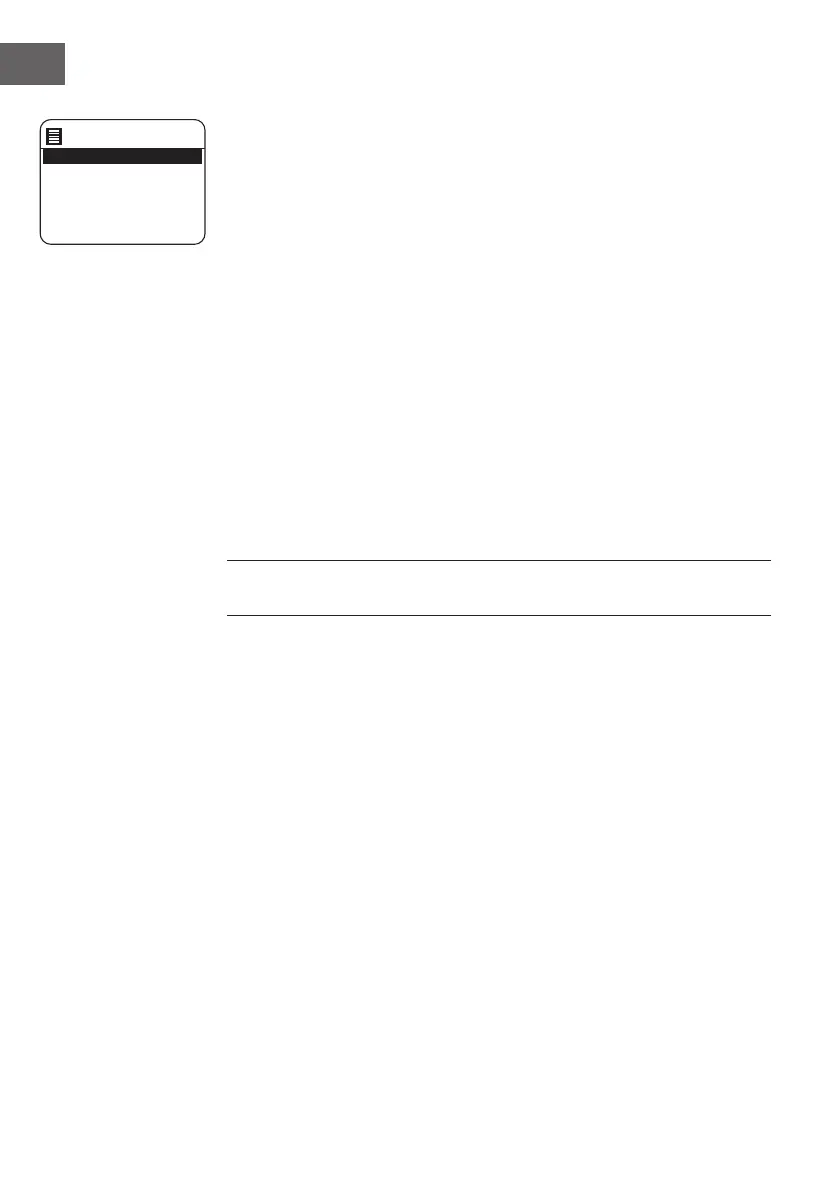
1. To store an Internet radio preset, press and hold the PRESET button until
the display shows the "Save toPreset".
2. Select one of the 10 presets to store the current station by pressing the
/ buttons to select the number and then press the ENTER button to
conrm.
Recalling a Stored Station
1. To select a preset, press the PRESET button, and then press the /
buttons to select one of the listed preset stations.
2. Press the ENTER button to conrm the selection.
Alternatively,
• Press PRESET/FOLDER / buttons on remote can switch to next/
previous preset station.
• Or press the number buttons on remote to switch to the preset station.
("0" for preset station 10).'
• If there is no station be saved, it will show "Preset empty".
Die Bedienung der Voreingestellten und der Aufrufstationen ist für
Internetradio, DAB und FM gleich.
Internet Radio Display Modes
Every time you press the INFO/MENU button on unit or INFO button on
remote control, the display will show the
following display modes:
Channel Info – Description – Genre/Show country – Reliability – Bit rate/
Sound format – Playback buer – Date
Save to Preset
1. [Not set]
2. [Not set]
3. [Not set]
4. [Not set]
5. [Not set]


 To Next Page