56
EN
USB OPERATION
Charge your device
You can charge your device through the USB socket on this unit with a USB
cable (not supplied).
• The maximum current for USB charging is 1A.
• All devices for USB charging are not guaranteed.
Music playback modes
Every time you press the INFO/MENU button on unit or INFO button on
remote control , the display will show the following display modes:
Artist - Album - Bit rate/sound format - Playback buer - Date.
Playback buttons on unit and remote control:
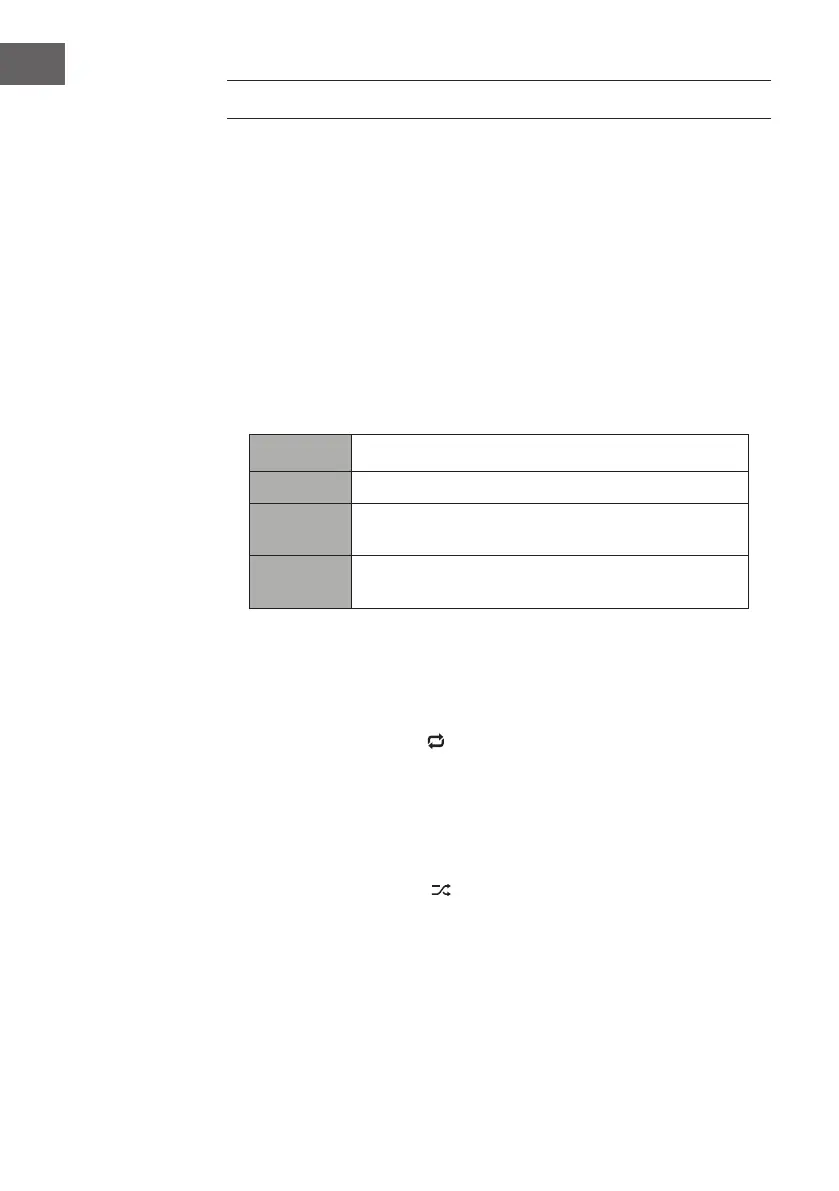
Buttons Function
/ Press to pause playback or resume normal playback.
Press to skip to the previous track.
Press and hold to fast rewind the current track.
Press to skip to the next track.
Press and hold to fast forward the current track.
Repeat Mode
1. Under menu of Music Player mode, press / buttons to select Repeat
play and press ENTER button repeatedly , or press REPEAT button on
remote during playback to turn repeat play on/o.
2. When repeat play is ON,
will show on the display and it will play the
current folder repeatedly.
Shule Mode
1. Under menu of Music Player mode, press 12 w / 3 s buttons to select
Shule play and press ENTER button repeatedly , or press RANDOM
button on remote during playback to turn shule play on/o.
2. When Shule play is ON,
will show on the display and it will play the
song les randomly.


 To Next Page