17
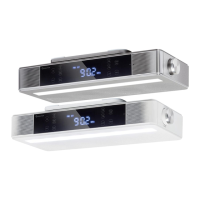
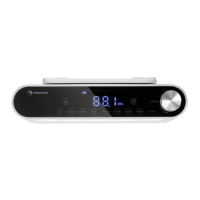
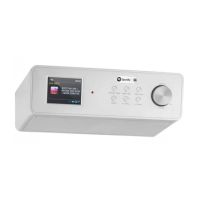
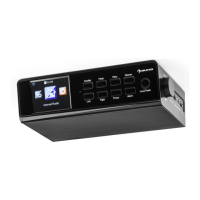
TFT screen 1 10 Local radio---Quick button for local radio
Left---Turn left 2 11 Volume/Navigator/OK---Combine key
Standby-Press to switch between
standby and on
3 12 On/O switch button
Right---Turn right 4 13 DC IN socket
Mode---Press to switch between standby, weather
and on
5 14 Line out socket
Preset---To save and recall the radio stations 6 15 Aux in socket
Menu---Show Menu for the current mode 7 16 USB port-play your USB sticks
Alarm---Alarm setting 8 17
Mounting bracket-use the supplied
mounting bracket to screw the radio
in your cabinet
Dimmer---Adjust the brightness of screen to dier-
ent level
9
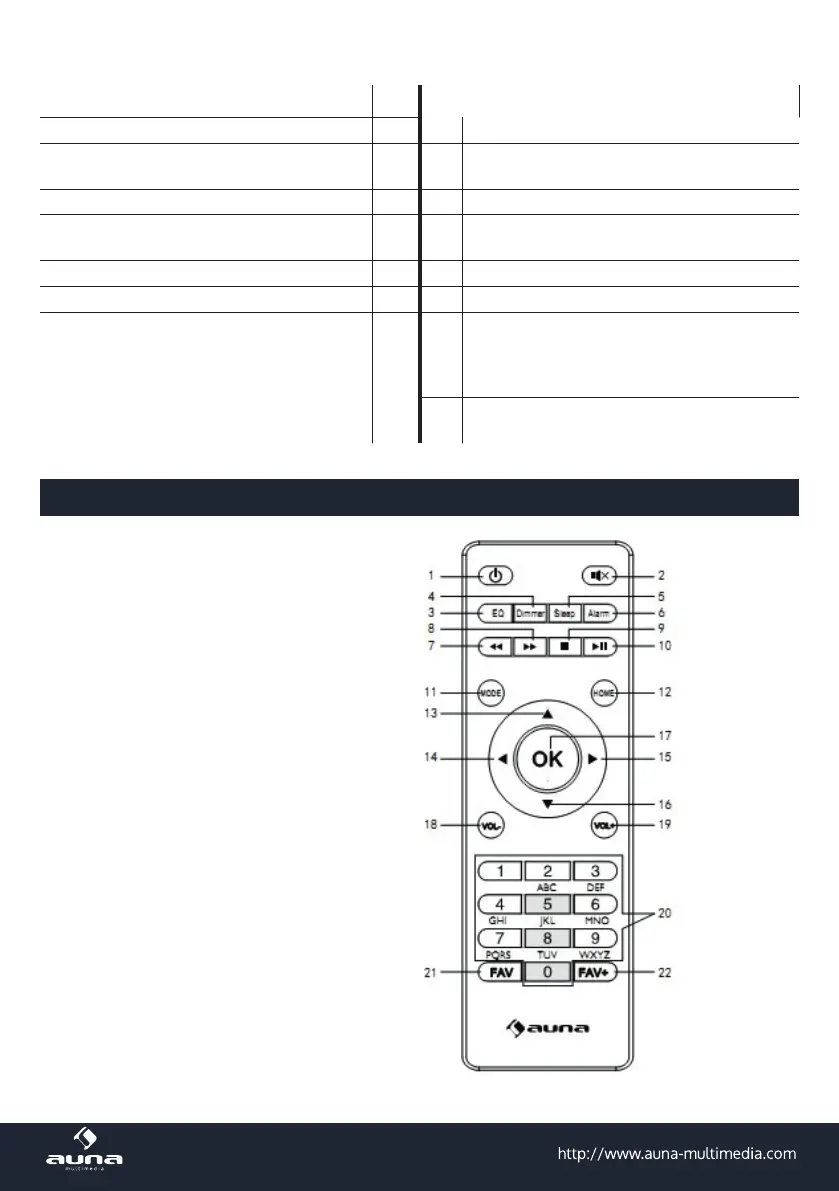
Remote Control
1. Standby-Taste
2. Mute-Taste
3. EQ-Ton einstellen
4. Dimmer-Taste
5. Sleep-Taste
6. Alarmtaste
7. Vorherige Schaltäche
8. Nächste Schaltäche
9. Stopptaste
10. Wiedergabe-/Pause-Taste
11. Moduswahltaste
12. Home-Taste
13. Cursor nach oben
14. linke Cursortaste
15. Rechte Cursortaste
16. Cursor nach unten
17. OK-Knopf
18. Vol- Taste
19. Vol+ Taste
20. Buchstaben und Zahlen eingeben
21. Fav-Taste
22. Schaltäche Fav hinzufügen


 To Next Page