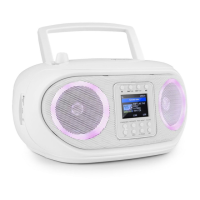
12
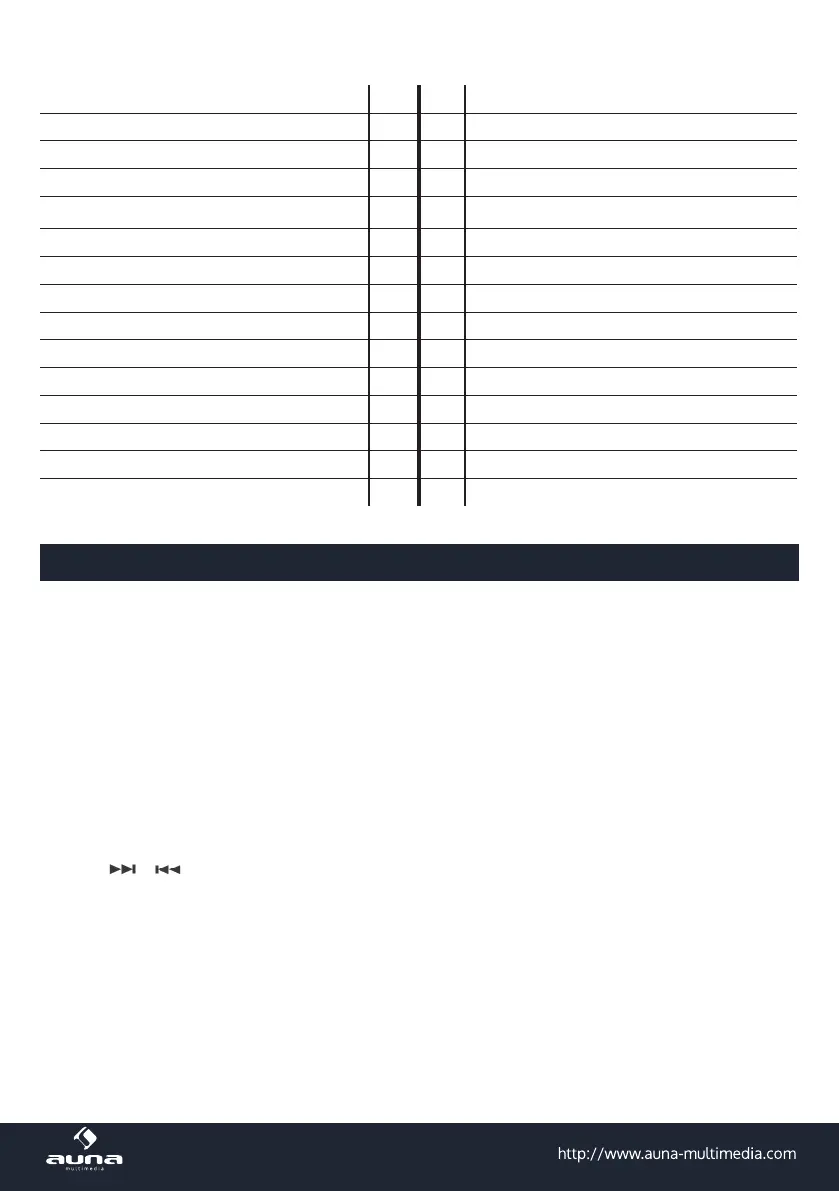
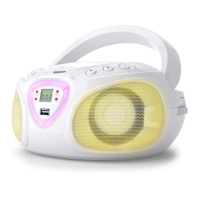
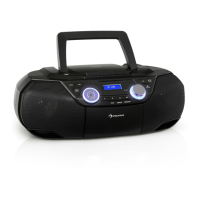
FM antenna 1 16 EQ
Handle 2 17 USB port
CD tray 3 18 Cassette tray
Speaker left 4 19 Speaker left
Speaker right 5 20 Speaker right
STANDBY / MODE 6 21 -
VOLUME 7 22 Tape: PLAY
INFO / MENU 8 23 Tape: REV
FM/CD: PRESET / ALBUM 9 24 Tape: FFW
Display 10 25 Tape: STOP/EJECT
TIMER / SLEEP 11 26 Tape: PAUSE
CD: PLAY / PAUSE 12 27 Aux In (3.5mm audio)
CD: STOP 13 28 Headphones jack (3,5mm)
CD: BACK / REWIND 14 29 AC IN
CD: SKIP / FFW 15 30 Battery compartment
Operation
Initial Use
Use the supplied mains cable to connect the device to a houshold mains socket. Alternatively, insert 4
batteries (type C / UM-2) into the battery compartment, minding the correct polarity as indicated inside the
battery compartment.
Remove the batteries, when the device is used with mains power, or when it is not in use over some time.
Press STANDBY/MODE to switch the device on. Press repeatedly to switch through the play modes.
Radio
• Press MODE repeatedly to switch to FM mode.
• Use
/ to search the FM band (hold for automatic search in the respective direction).
• Press CD: PLAY to toggle STEREO/MONO for optimized reception.
• To save the current station to presets (max. 20 presets available), press and hold PRESET, then use the
arrow buttons to select the desired preset number. Press PRESET again, to conrm saving.
• To recall a preset station, (short) press PRESET, select the desired station with the arrow buttons, then
press PRESET again, to tune in.


 To Next Page