13
CD / USB
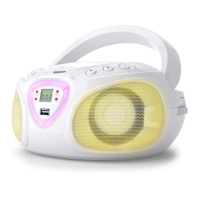
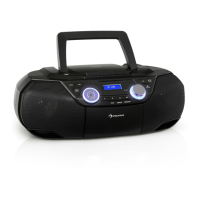
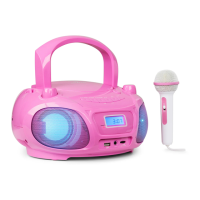
• Select USB/CD modes by pressing MODE.
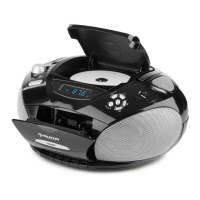
• Open the CD tray and insert an audio or MP3 CD (printed side facing up) or insert a USB thumb drive
containing MP3 les into the USB port.
• Control music playback with
, / and . For MP3 libraries, use the ALBUM button, to select
the folder.
• Press and hold STOP (
) to go to stop mode.
Play Mode
When playing audio or MP3 CDs or USB drives, press ALBUM repeatedly to select the desired play mode:
(1x): Repeat 1 (2x): Repeat Folder (3x): Repeat All (4x): Random (5x): O
only for MP3 libraries
with folders
Playlist Programming
Up to 20 tracks can be programmed for disc play in any order.
• Insert a CD (or a USB drive) and press&hold STOP ( ) for a second, so the device switches to stop mode.
• Press PRESET and use / to choose the desired track for your playlist.
• Save pressing PRESET.
• Repeat for further tracks.
• Press to listen to the programmed playlist. Delete with STOP ( ).
Please note:
• The playlist mode will be left after no input for 10 seconds.
• The USB port is not suitable for the connection with a computer USB port.
• Change FUNCTION before disconnecting USB drives.
Folder selection (MP3 CDS / USB drives)
If music is stored into dierent folders, you’ve to select specic folder number rst by pressing FOLDER;
then, press SKIP/SEARCH FORWARD or BACKWARD to select for specic track number inside this folder.
Example: To select for Folder # 4, Track # 3.
• Press and hold PRESET/ALBUM BUTTON to select Folder # 4.
• Press SKIP/SEARCH FORWARD or BACKWARD to select for track # 3 inside this Folder # 4.
• Press PLAY.


 To Next Page