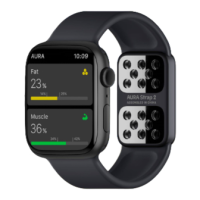
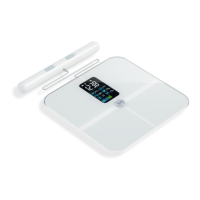
Place the scale on a hard flat surface. Step onto the scale with a single foot
to activate it. Wait until the display shows “0.0lb”.
Pair the scale through Bluetooth. Make sure the scale is on when pairing.
Leave the app on its main screen, it will connect automatically.
4
5
6
The app will show
your data within
a few seconds.
8
You could also
click “Device”
and find the scale
via bluetooth ID:
Aura Curve.
7
Make sure Bluetooth is on.
Make sure Bluetooth
Authorization, GPS and
Localisation are allowed
on your device.


 To Next Page