10
3. The remote-control function may not work if there is a barrier between the remote control and heater.
4. Replace the batteries as required to ensure correct remote functionality.
4 - MAINTENANCE
1. Allow the heater and the emitter to cool down before handling.
2. Installation and maintenance must be performed by a qualified technician.
3. Turn off the power before beginning maintenance.
4. Do not attempt to service or repair the unit while it is running.
5. Should the heater be dropped or damaged or malfunction at any time, immediately turn off the main
power source and do not use it until it has been examined by an authorized service facility.
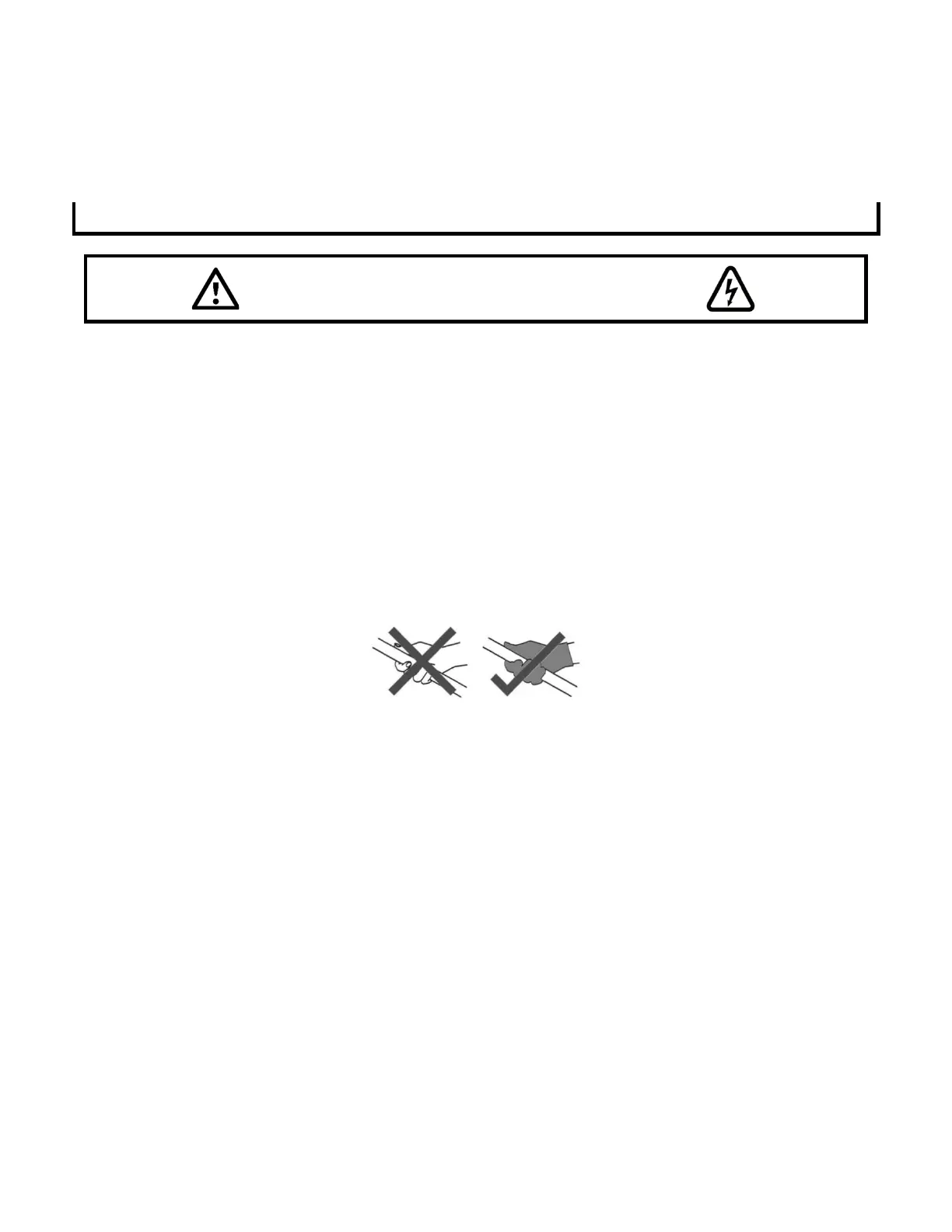
Notice: Do not touch the emitter with bare hands. Wearing soft cotton gloves is highly recommended. Finger
prints will burn into the carbon emitter during use and cause premature heater failure. If the emitter is
anidvertently touched, or if it needs to be cleaned, carefully wipe it using rubbing alcohol or methylated spirits.
4.1 CLEANING
To remove dust or dirt on the reflector, follow these steps:
1. Turn the power to «OFF» and disconnect the heater from the main power supply.
2. Remove screws from the left side cover and slide the perforated front grille out of the heater body.
3. Carefully wipe the reflector with a soft, lint-free cloth. Do not use abrasive cleaners or abrasive scrubbing
brushes for cleaning!
4. After cleaning, be sure to properly reinstall the heater grille.
4.2 REPLACING THE EMITTER
Contact your distributor for the correct replacement emitter, providing the model number and rating from the
rating label. Using an incorrect replacement emitter can cause the heater to fail.
Notice: Read through the Emitter replacement procedure below before beginning the replacement. For easier
replacement, remove the heater from the wall or ceiling.



 To Next Page