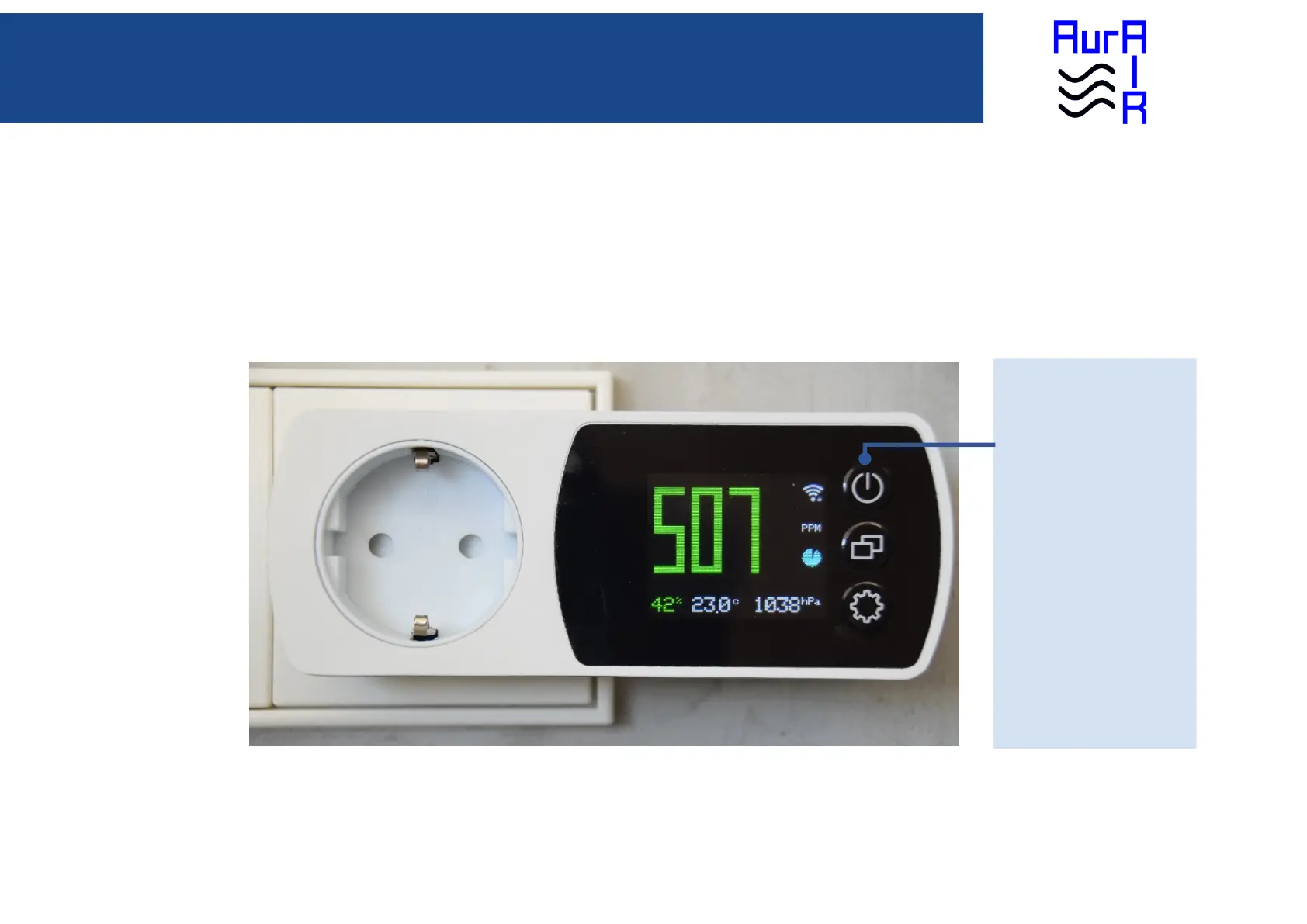
DISPLAY Button
Single click: Switch display OFF.
To switch display ON again, do
another single click.
Double click: Dim display. To
switch display to FULL again, do
another double click.
Long click: Update Firmware. On
the display the question is asked if
you want to update the firmware.
Pressing the mode button means
YES, pressing the settings button
means NO.


 To Next Page