EasyManua.ls Logo

AuraMist AM12MF18-1 - User Manual

AuraMist AM12MF18-1
14 pages
Print Icon
To Next Page IconTo Next Page
Loading...
Rev. 2/13 AM12MF18-1 1
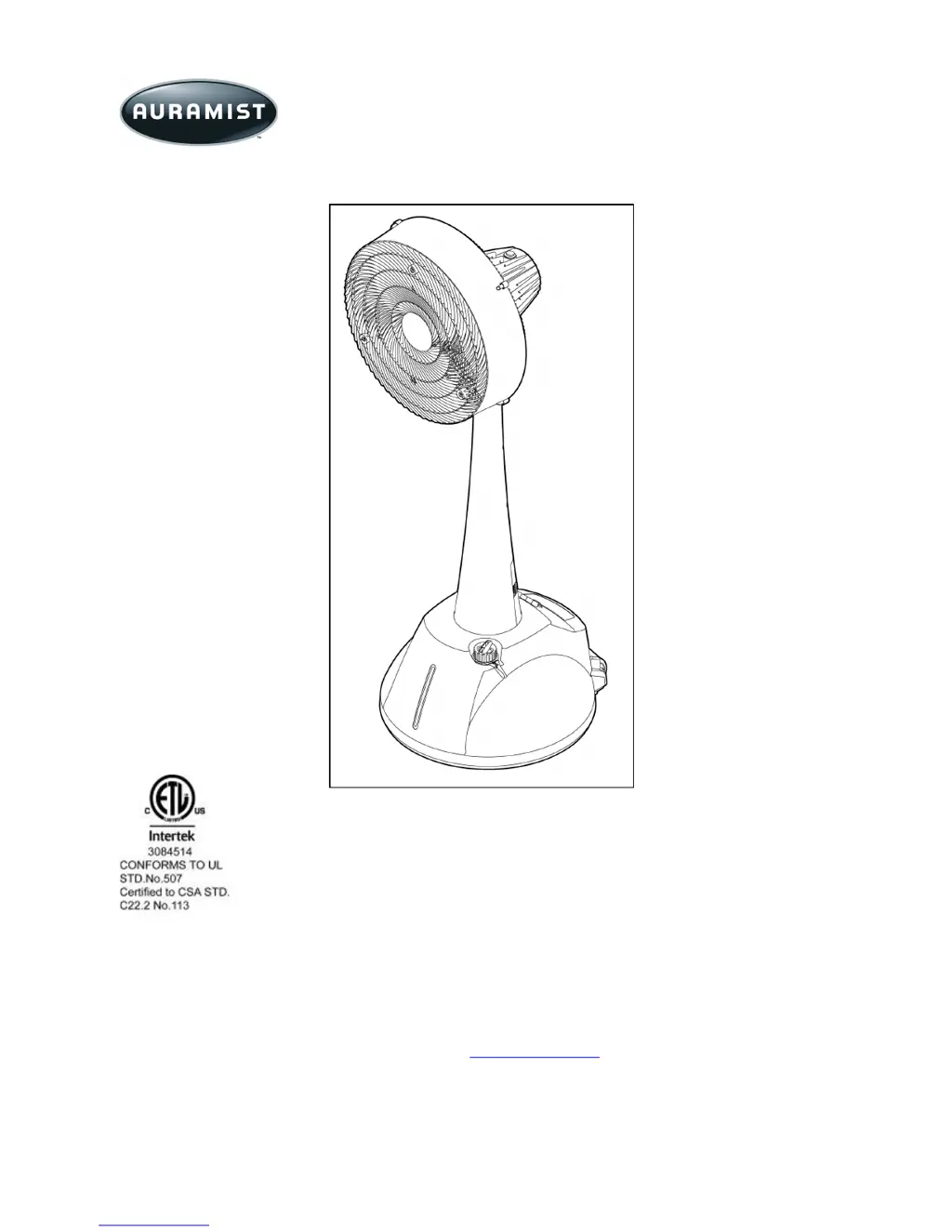
18Misting / Oscillating Fan
Model Number: AM12MF18-1
Owner’s Manual
READ AND SAVE THESE INSTRUCTIONS
CAUTION:
Before using this product, read this manual and follow all safety rules and operating instructions.
Failure to comply with instructions could result in personal injury and/or property damage.
IMPORTANT:
For replacement parts or assembly questions go to www.auramist.com or call 1"800"320"6478.

Questions and Answers

  • J
    Jennifer HallAug 1, 2025
    What to do if my AuraMist AM12MF18-1 is not running?
    • E
      Erik BarkerAug 1, 2025
      If your AuraMist Fan isn't running, there are several things to check: 1. Ensure the power cord is securely connected. 2. Make sure the switch is set to a speed setting (high, medium, or low) and not in the “OFF” position. 3. Check the GFCI indicator light. If it's off, press the "RESET" button. If the light still doesn't come on, the fuse may need replacing.
  • J
    juanadamsAug 9, 2025
    Why is my AuraMist AM12MF18-1 not misting?
    • E
      Elizabeth AndersonAug 9, 2025
      If your AuraMist Fan isn't misting, consider the following: * Verify that the misting switch is turned on. * Ensure the water tank is filled with clean water. * Check that the mist control valve is in the open position (counter-clockwise). * The water filter may be clogged and require replacement. * Check for air tank leaks, ensuring the tank fill cap is tightly closed.
  • V
    Vanessa EdwardsAug 15, 2025
    How to fix unbalanced mist on my AuraMist AM12MF18-1 Fan?
    • J
      jeremysotoAug 15, 2025
      To address unbalanced mist on your AuraMist Fan, you can try the following: * Adjust the water flow control valve to increase water flow. * Turn off the mist fan motor, and feel for any air leaks on the hoses. * Inspect the water hoses for kinks and ensure they are correctly routed and installed.
  • S
    Samantha CameronAug 25, 2025
    What to do if water is streaming from the nozzle of my AuraMist AM12MF18-1 Fan?
    • A
      Austin JohnsonAug 25, 2025
      If water is streaming from the nozzle of your AuraMist Fan, check these items: 1. Ensure the mist ON/OFF switch is turned on to activate the air pump. 2. Low airflow can cause this issue. Check the assembly to ensure hoses are correctly routed and installed without kinks. Also, change the intake filter of the air pump.

Summary

Safety Warnings

Understanding Safety Terminology

Explains DANGER, WARNING, and CAUTION terms used in the manual.

Carton Contents

General Assembly Instructions

Operating Instructions

Testing the GFCI

Steps to test the Ground Fault Circuit Interrupter (GFCI) protection.

Misting Operation

Guide on filling the tank and operating the misting function.

Maintenance

Replacing Filters

Instructions for removing and replacing air and water filters.

Storage

Storage and Cleaning Procedures

Guidance on cleaning, emptying the tank, and conditioning the water system.

Troubleshooting

Exploded View

Parts List

Warranty

AuraMist AM12MF18-1 Specifications

General IconGeneral
BrandAuraMist
ModelAM12MF18-1
CategoryFan
LanguageEnglish

Related product manuals