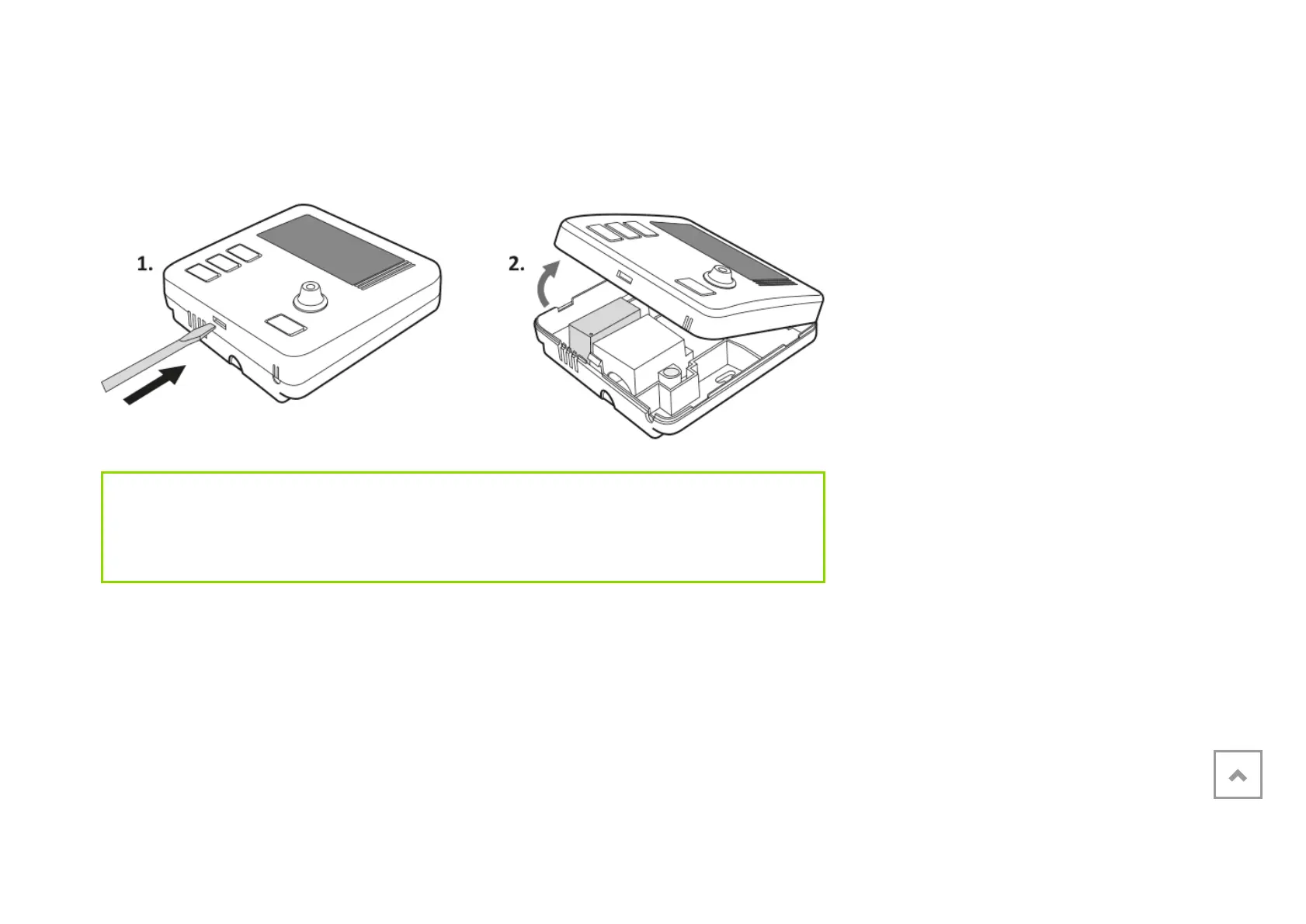
The battery compartment is located inside AURATON Libra in the front of the casing. To
install the batteries, remove the casing of AURATON Libra as shown in the figure
below:
IMPORTANT:
We recommend using alkaline batteries to power AURATON regulators. Do not use
“rechargeable batteries” because their rated voltage is too low.
Weekly, wired thermostat
Description of the AURATON Libra
Turning AURATON Libra on for the first time
Introduction to programming
Programming
Manual control
Anti-freezing temperature
Resetting AURATON Libra
Master reset of AURATON Libra
Configuration settings
PWM operating mode
Additional remarks
The AURATON Libra connection schematics
Cleaning and maintenance
Technical specifications
Disposing of the devices
Download



 To Next Page