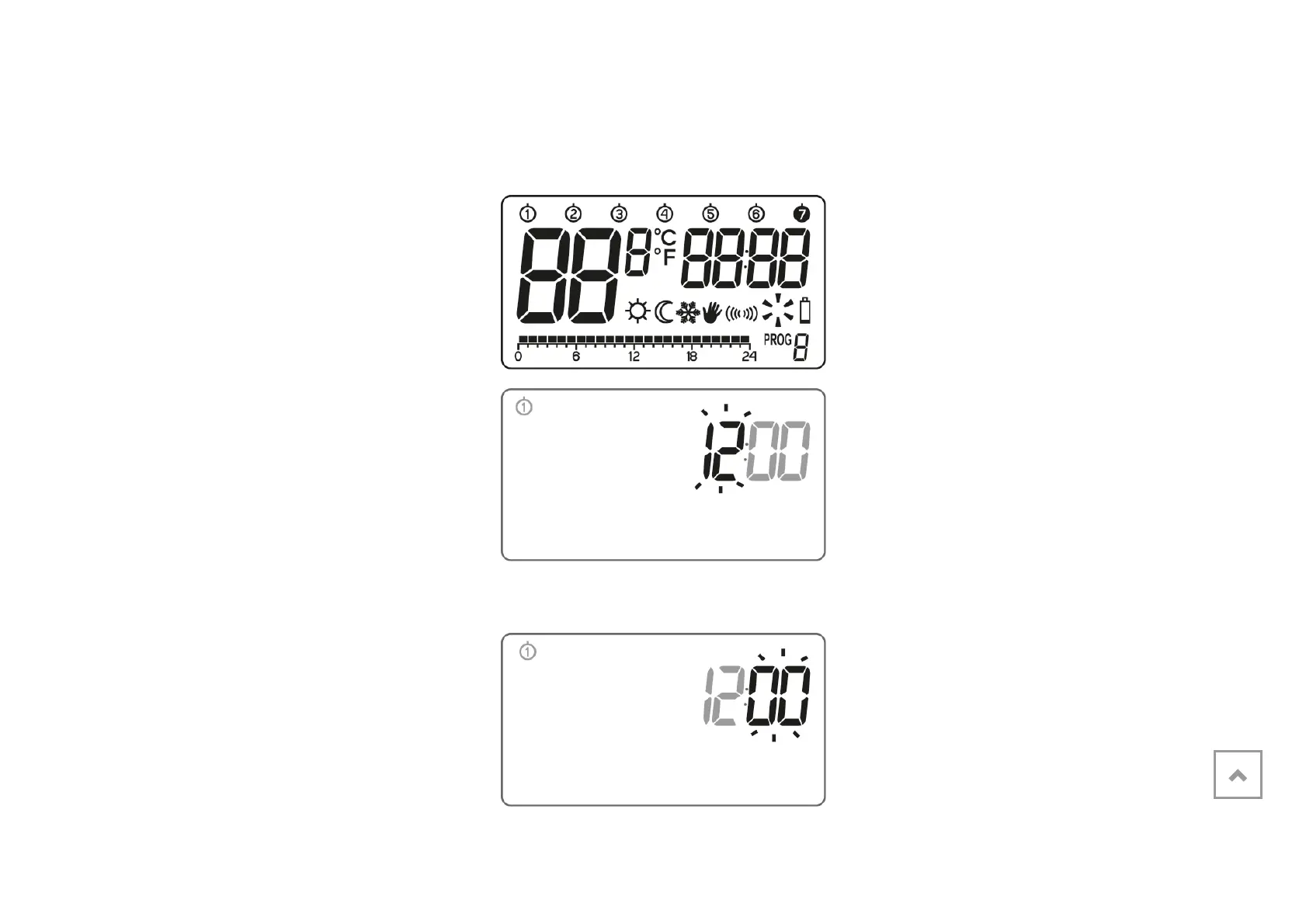
Turning AURATON Libra on for the
first time
After inserting the batteries correctly
into the battery compartment, the LCD
screen will display all the segments for
a second and then the software
version number.
After a while, AURATON Libra will
automatically switch to the time setting
mode. A flashing item on the screen
means that the device is currently in
the edit mode. Turn the knob to the left
or right to set the required hour and
confirm using the ( button.
Turn the knob to the left or right to set
the correct value on the minute
segment and confirm using the (
button.
Weekly, wired thermostat
Description of the AURATON Libra
Turning AURATON Libra on for the first time
Introduction to programming
Programming
Manual control
Anti-freezing temperature
Resetting AURATON Libra
Master reset of AURATON Libra
Configuration settings
PWM operating mode
Additional remarks
The AURATON Libra connection schematics
Cleaning and maintenance
Technical specifications
Disposing of the devices
Download



 To Next Page