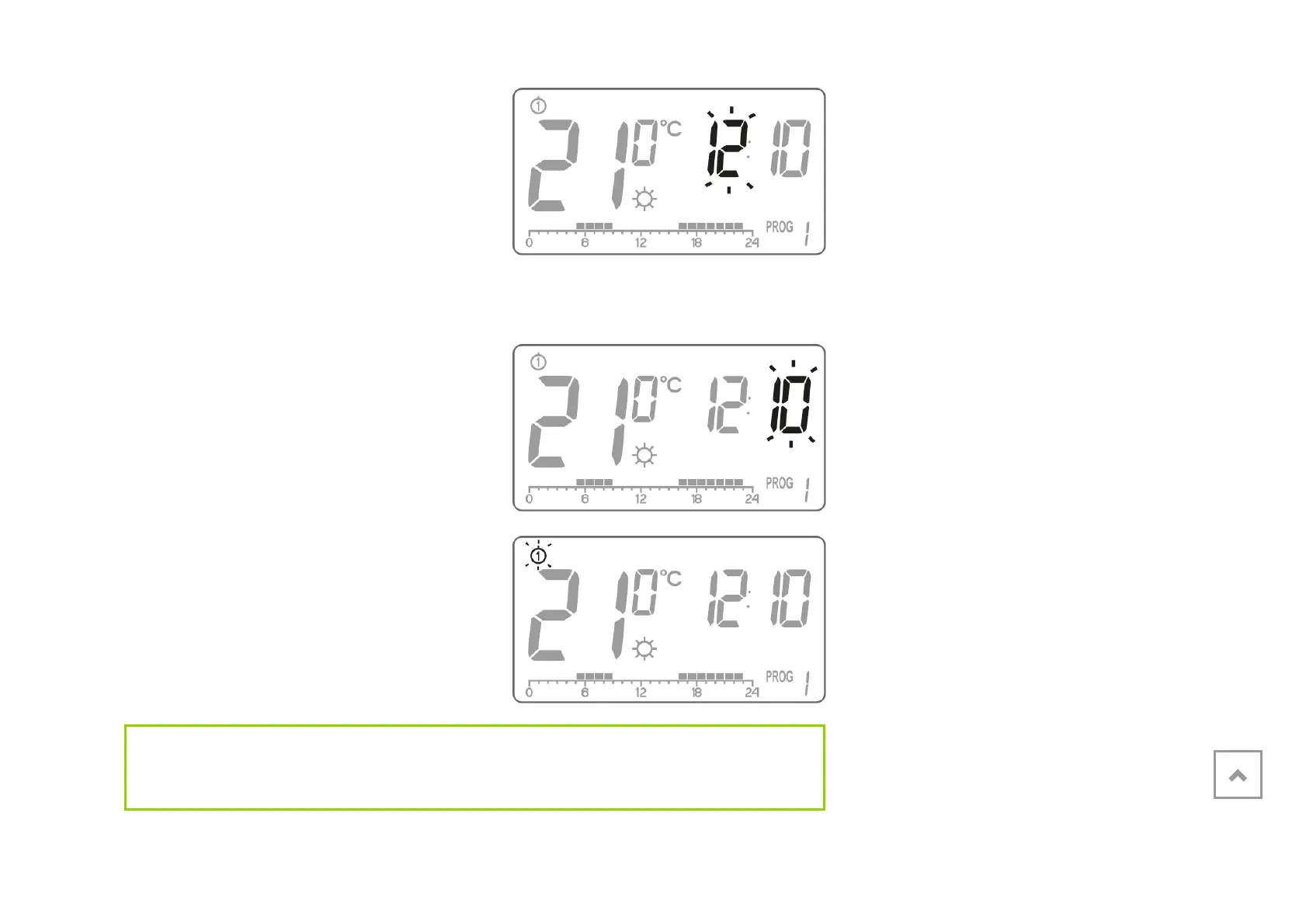
2. Turn the knob to the left or right to set the required hour and confirm with using the
( button.
3. Turn the knob to the left or right to set
the correct value on the minute
segment and confirm using the (
button.
4. A flashing symbol of the day of the
week appears in the upper left corner.
Turn the knob to the left or right to set
the day and confirm the selection
using the ( button.
IMPORTANT:
You can also switch by pressing the m button.



 To Next Page