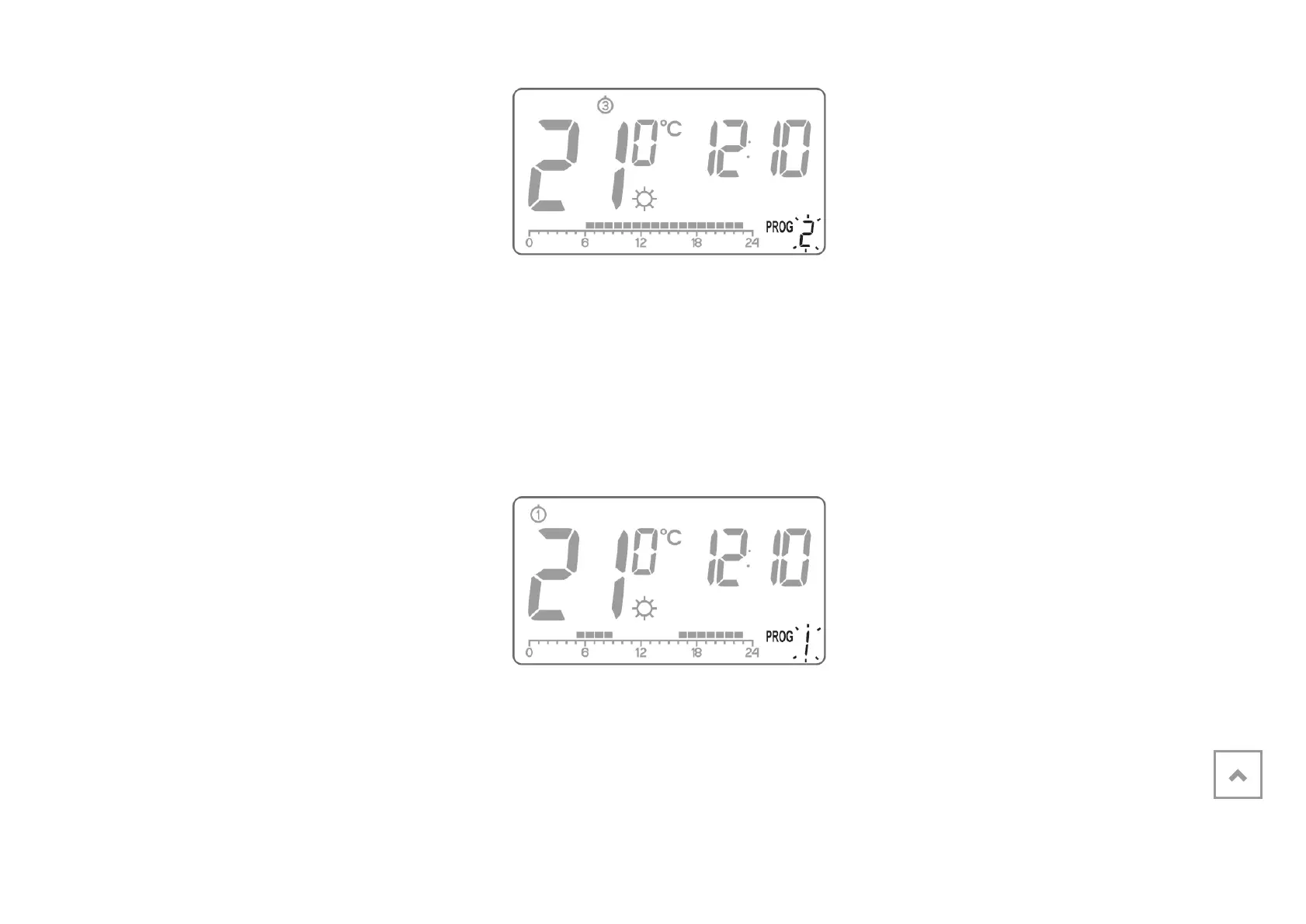
select the program number
requested. Programs 0-2
are factory-
set, programs 3-8 can be edited.
4. Confirm selection pressing the ( key.
5. Repeat the procedure for the following days of the week.
Modyfying user-defined programs
To set the program:
1. Press the h
key. Program number
segment will start blinking.
2. Press the m key as many times as
required to set the day of the week for
the program.



 To Next Page