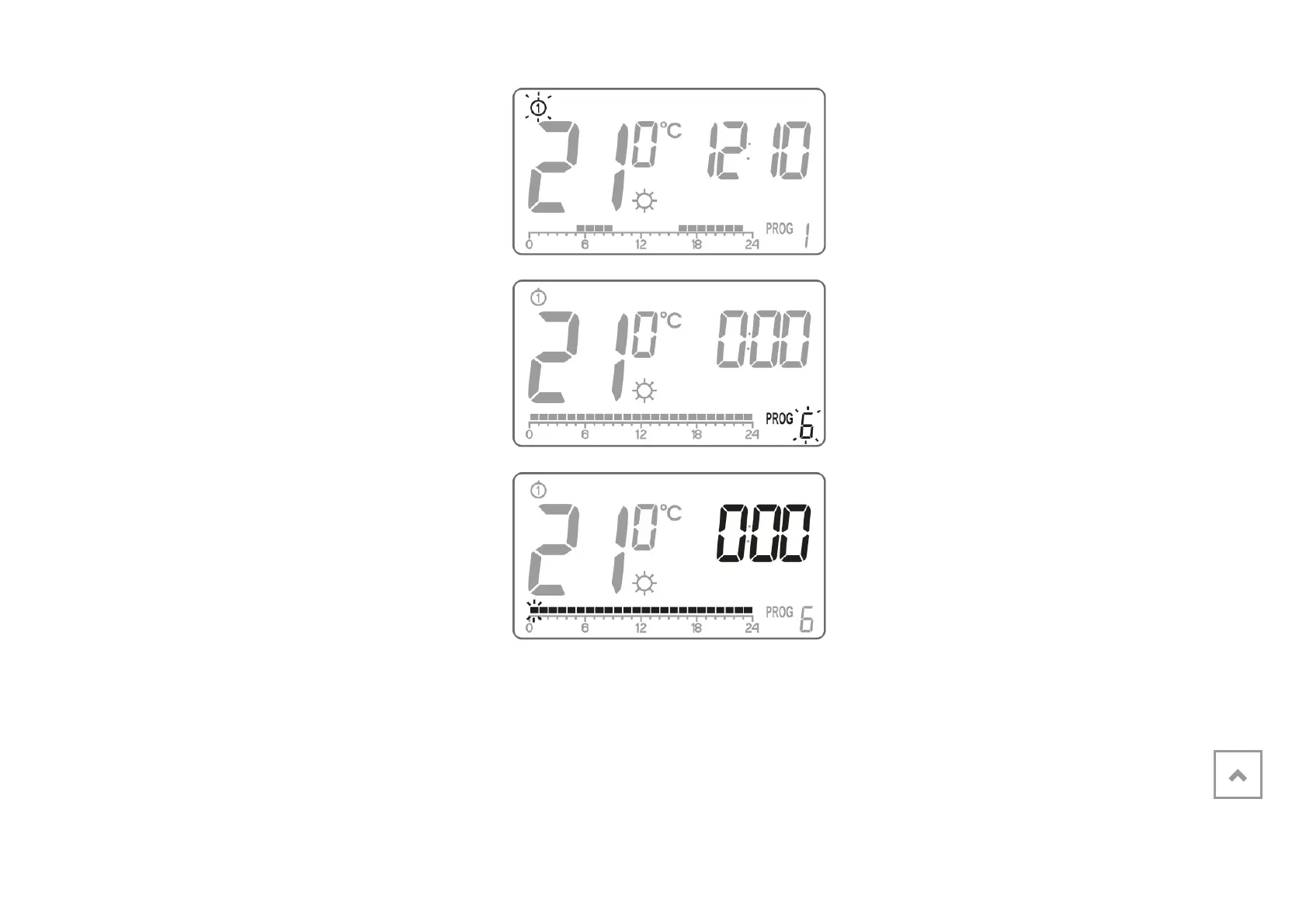
3. Press the h key several times to
select the program number required.
Programs 0-2 are factoryset,
programs 3-8 can be edited.
4. All (24) black rectangles will appear
on the timeline. Each of them
symbolises 1 hour. A visible rectangle
indicates day temperature set for the
given time. If no rectangle is
displayed, night temperature is set.
Blinking rectangle indicates the point
of the timeline which is modified.
5. Press the r key to select day
(rectangle on) or night temperature



 To Next Page