USING YOUR MONITOR
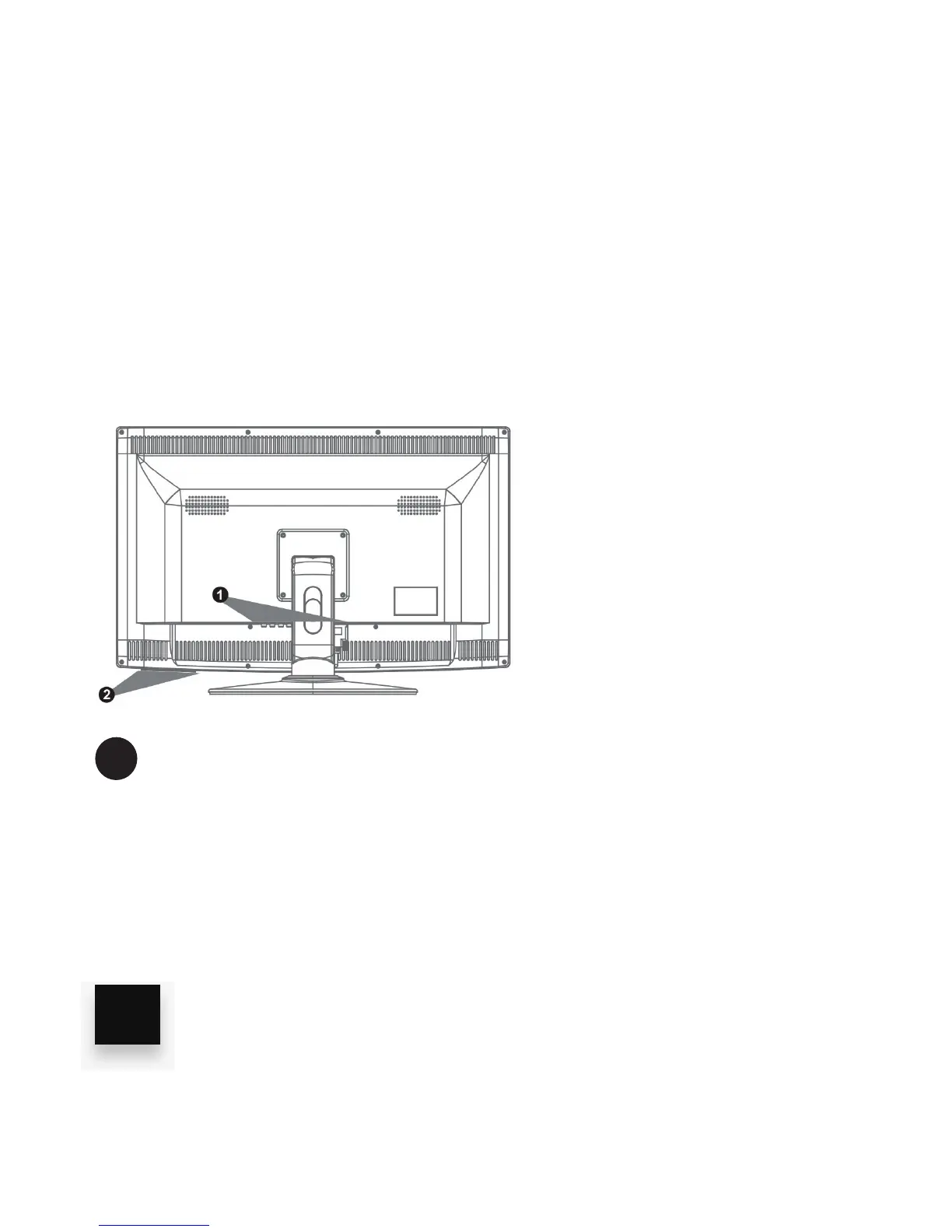
Turn on your monitor by using the ON/OFF power key (located on
the front, bottom edge). The power ON indicator LED should be lit.
In the following section you will learn how to adjust your monitor’s
settings.
Keys (Left to Right)
• AUTO: Multi-purpose auto adjustment and menu exit key
• MENU Show main menu
• VOL + Increase the sound level by adjusting to the right
• VOL - Decrease the sound by adjusting to the left
• UP Navigate or select higher options
• DOWN Navigate or select lower options
• Power ON/OFF
2
10



 To Next Page