ADJUST YOUR MONITOR’S SETTINGS
1. Press the “MENU” key to activate the OSD interface.
2. Use the “UP” or “DOWN” Keys to browse the main functions.
3. In order to select a function press the “MENU” key.
4. If the function you need has a sub-menu use the “UP” or “DOWN” keys to
navigate it, then press “MENU” to select.
5. Press “UP” or “DOWN” to adjust the selected function.
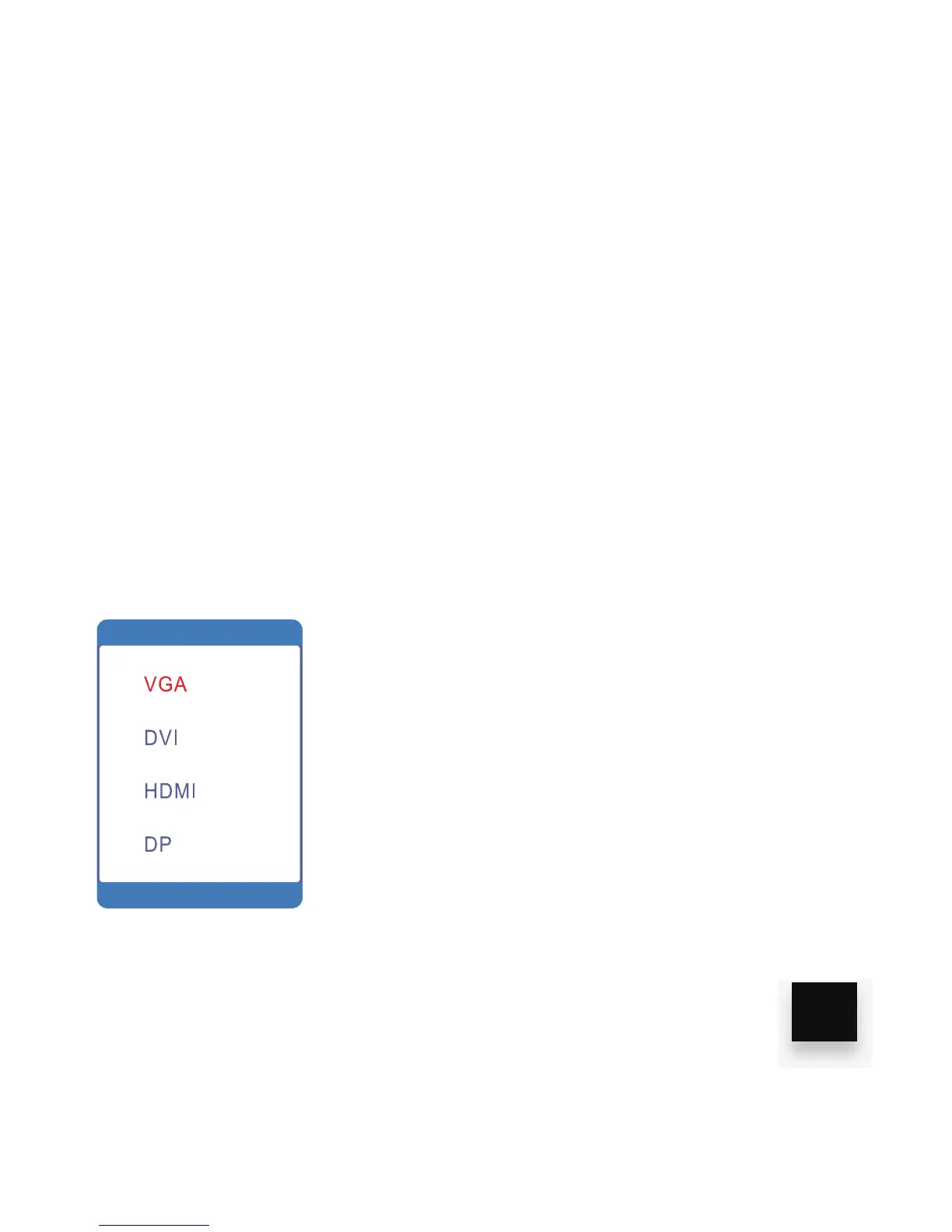
ADJUSTING THE INPUT SOURCE
1. Press the “AUTO” button to display the input
source list
2. Press “UP” or “DOWN” to browse input sources
3. Press “MENU” to select the input source you want
to watch
4. Press “AUTO” to save and quit
13
6. Click the “AUTO” button to save and exit.



 To Next Page