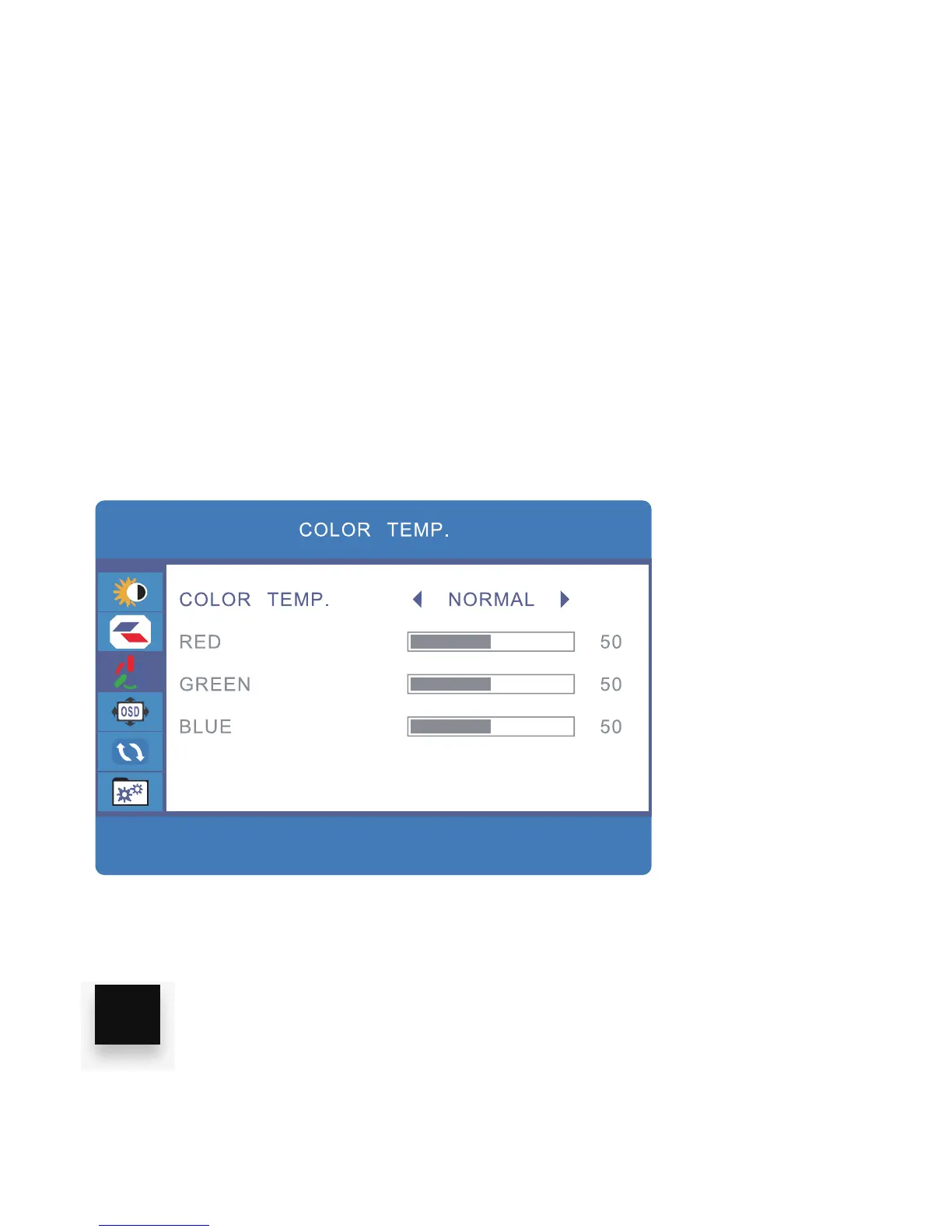
ADJUST COLOR TEMP
1. Press the “MENU” key
2. Press the “UP/DOWN” buttons and browse to “COLOR TEMP” in the main
menu, then press “MENU” to select it.
3. Use the “UP/DOWN” keys to browse COLOR TEMP, RED, GREEN or BLUE,
click “MENU” to select and adjust any of these.
4. Use the “VOL + / VOL -” keys to adjust the settings.
5. Click “MENU” to save and exit
16



 To Next Page