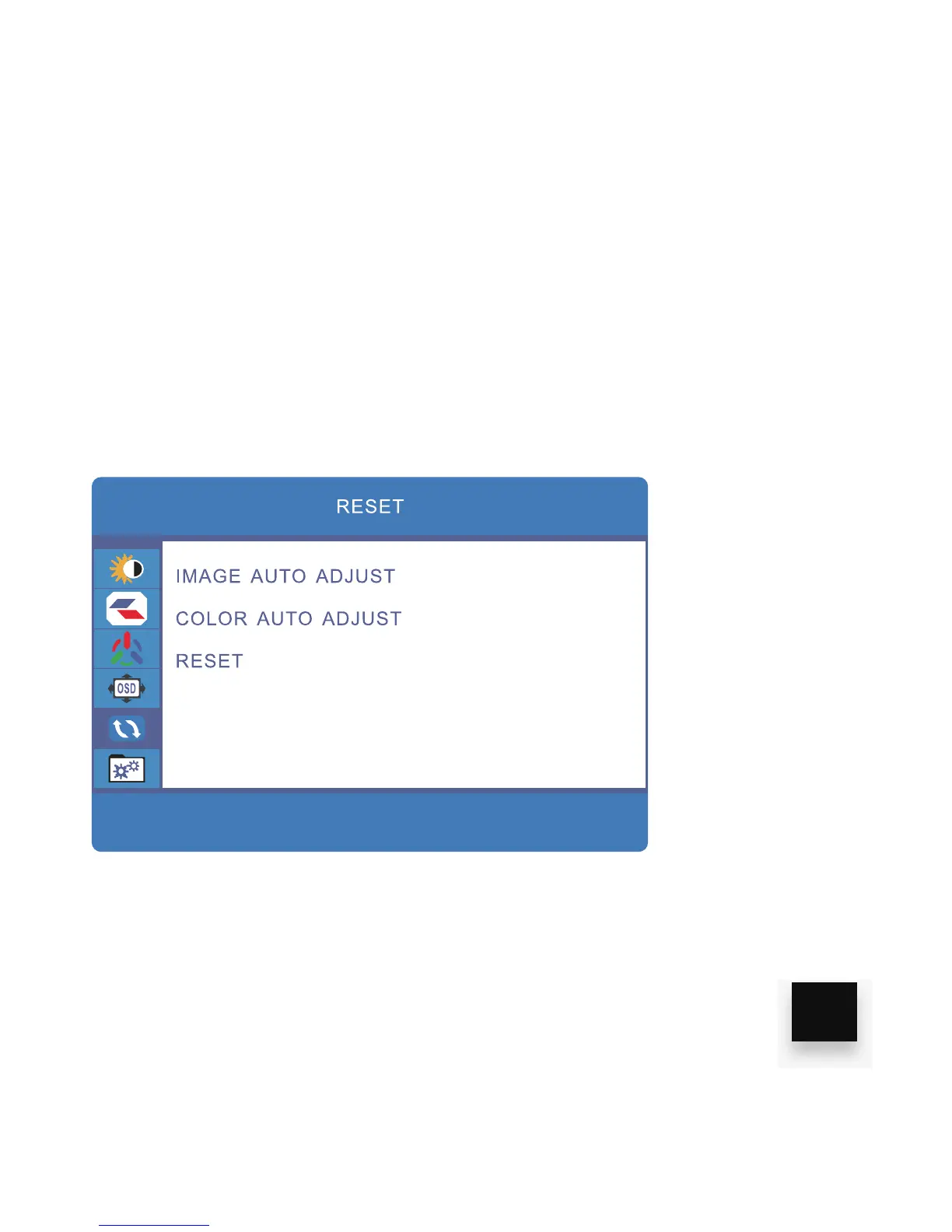
ADJUST RESET SETTINGS
1. Press the “MENU” key
2. Press the “UP/DOWN” buttons and browse to “RESET” in the main menu,
then press “MENU” to select it.
3. Use the “UP/DOWN” keys to browse IMAGE AUTO ADJUST, COLOR AUTO
ADJUST or RESET, click “MENU” to select and adjust any of these.
4. Click “MENU” to save and exit
19


 To Next Page