Trouble Shooting Package
The device is not functioning:
- Make sure the battery is inserted correctly in the battery compartment (see
“Battery Replacement”).
- Make sure the battery door lid is closed completely.
- Make sure the battery isn’t dead.
- Make sure the earmold tubing isn’t dirty.
- Check the tube for ear wax and condensate, clean it if necessary.
If there is condensate or moisture in your hearing instrument, put it in a special
container with a drying tablet.
The sound is too quiet,static or breaking up:
- Check the volume control.
- Make sure the battery isn’t dead.
- Make sure the earmold tubing isn’t dirty.
- Make sure there isn’t any condensate or ear wax in the tube; clean it if neces-
sary.
- If there is condensate or moisture in your HA, put it in a special container with
a drying tablet.
If all the attempts to x the problem are unsuccessful , contact your hearing
aid specialist.
The HA is whistling:
- The earmold does not sit tight enough in the ear canal. Take it out and put
it in again.
- Make sure the tubing is not damaged. If it needs to be changed, contact
a specialist.
- The earmold is deformed, it needs to be replaced with a new one. Ear wax has
built up in the ear tubing. Contact the specialist, so he cleans it up.
- Your ear canal shape has changed. You need to contact the specialist to have
a new earmold made.
The set consists of______________items
Customer’s signature_________________
Customer’s signature
Hearing Aid Aurica family Every
Models__________________________________________________
Complies with specication TU 9444-006-81271212-2014
and is serviceable.
Registration №___________________________________________
Serial №__________________________________________________
Q.C. Passed
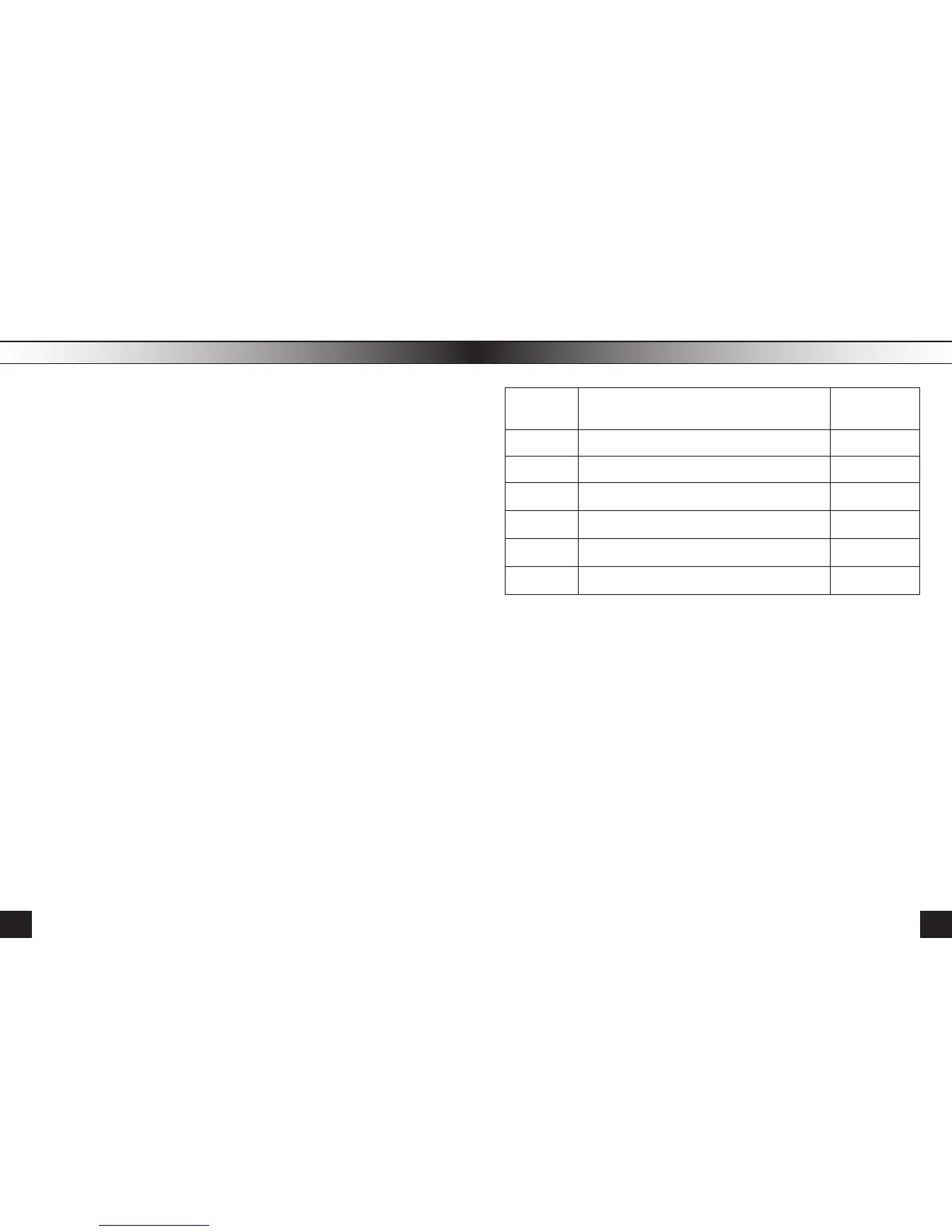
№ of
Item
Name of Item
Quantity
1 Hearing Aid 1
2 Batteries 6
3 Earmolds 5
4 User Manual 1
5 Case 1
6 Box 1
19
18



 To Next Page