19 GB/IE/NI
Clean the contacts on the bat-
tery and in the battery com-
partment before inserting!
Remove exhausted batteries/
rechargeable batteries from
the product immediately.
Before initial use
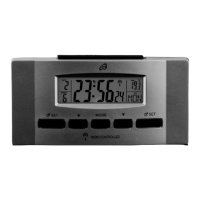
First remove the protective film from the LC display of the
product.
Remove the plastic strip sticking out of the battery com-
partment.
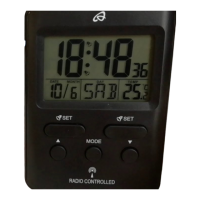
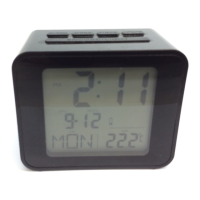
Note: The LC display will now perform a quick function check
and starts receiving the DCF signal (for details please refer to:
automatic or manual DCF signal activation). This process may


 To Next Page