25 GB/IE/NI
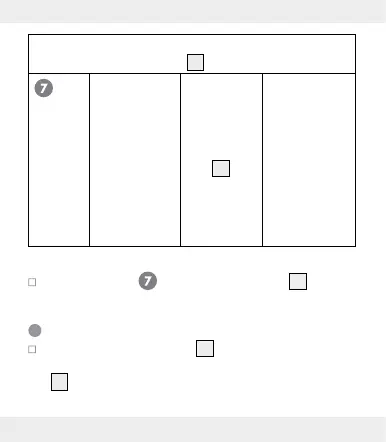
The following language setting impacts the weekday
display in the weekday field
14
.
Set language The acronym
for the current
language
flashes in the
weekday
field
14
Choose from
the following
languages:
GER – German
ITA - Italian
FRE - French
NET - Dutch
ESP - Spanish
DAN - Danish
ENG - English
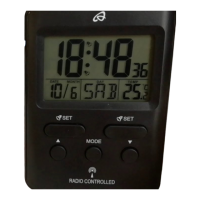
In program step press the MODE button
2
to con-
firm the language. The product will return to clock mode.
Setting the alarm
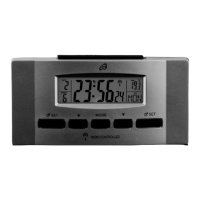
Press and hold the ALARM
1
button for 3 seconds to
switch from clock mode to alarm mode. The weekday field
14
will display ALM. at the bottom left. This indicates the
product is in alarm mode. At the same time the alarm


 To Next Page