- 20 -
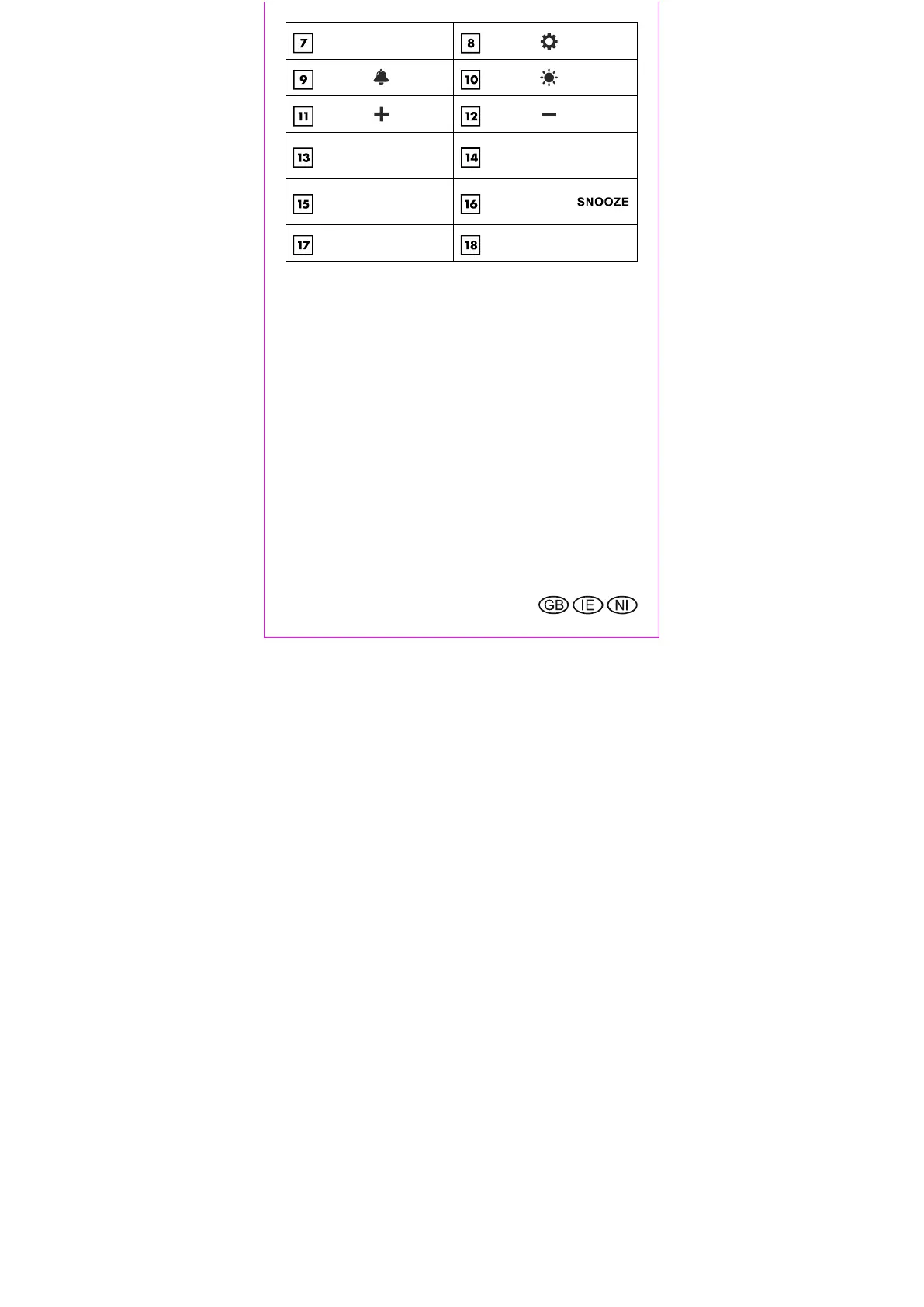
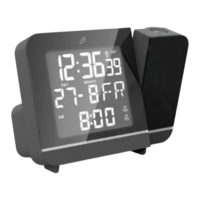
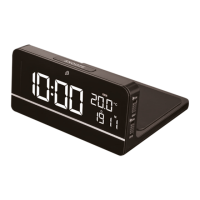
Date/alarm time
Button
Button
Button
Button
Button
Connection for
power supply unit
Battery compartment
Qi® charging
area
Touch button
Power supply unit
Power supply plug
Position the device securely
Be sure to protect sensitive surfaces before setting up the
device, otherwise scratches may occur.
Make sure that
adequate ventilation is always guaranteed (do not
place the device on shelves or places where curtains
or furniture cover parts of the device and leave at least
10 cm of space on all sides);
the device is not placed on a thick carpet or bed when
operating and it is not in the direct path of any heat
sources (e.g., heaters);
the device is not exposed to direct sunlight;
contact with water spray and drops of water is
avoided (do not place any objects filled with liquids,
e.g. vases, on or near the device);
the device is not in the immediate vicinity of magnetic
fields (e.g. loudspeakers);


 To Next Page