7ENGLISH
•Overload:
The Red LED light indicates when too much paper is inserted. Use the "Reverse" mode to back up
and reduce number of sheets.
•DoorOpen:
The Red LED light indicates the shredder basket is not pushed in properly. Shredders with pull-out
wastebaskets feature a safety power cut off upon bin removal. Make sure the pull-out wastebasket is
properly set back into place and the green “Power On” indicator is lit.
OPERATION
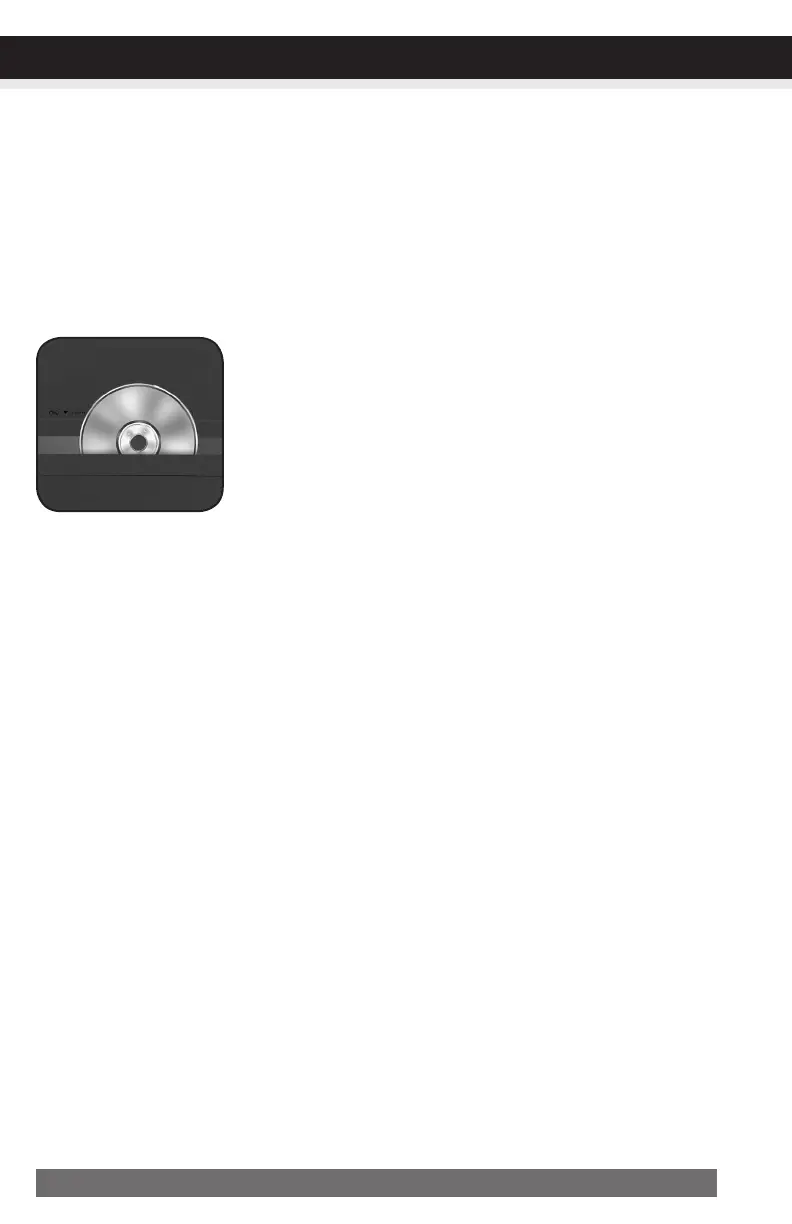
FeaturesaCD/DVDdestroyer:
Do not hold CD/DVD with finger through the center ring while feed-
ing into the shredder. Serious injury may occur.
Never feed more than one credit card or CD/DVD at a time.
1) Hold the CD/DVD by the edge and feed one at a time, releasing
when shredding begins.
2) Shredder will stop when the entire disc has been destroyed.



 To Next Page