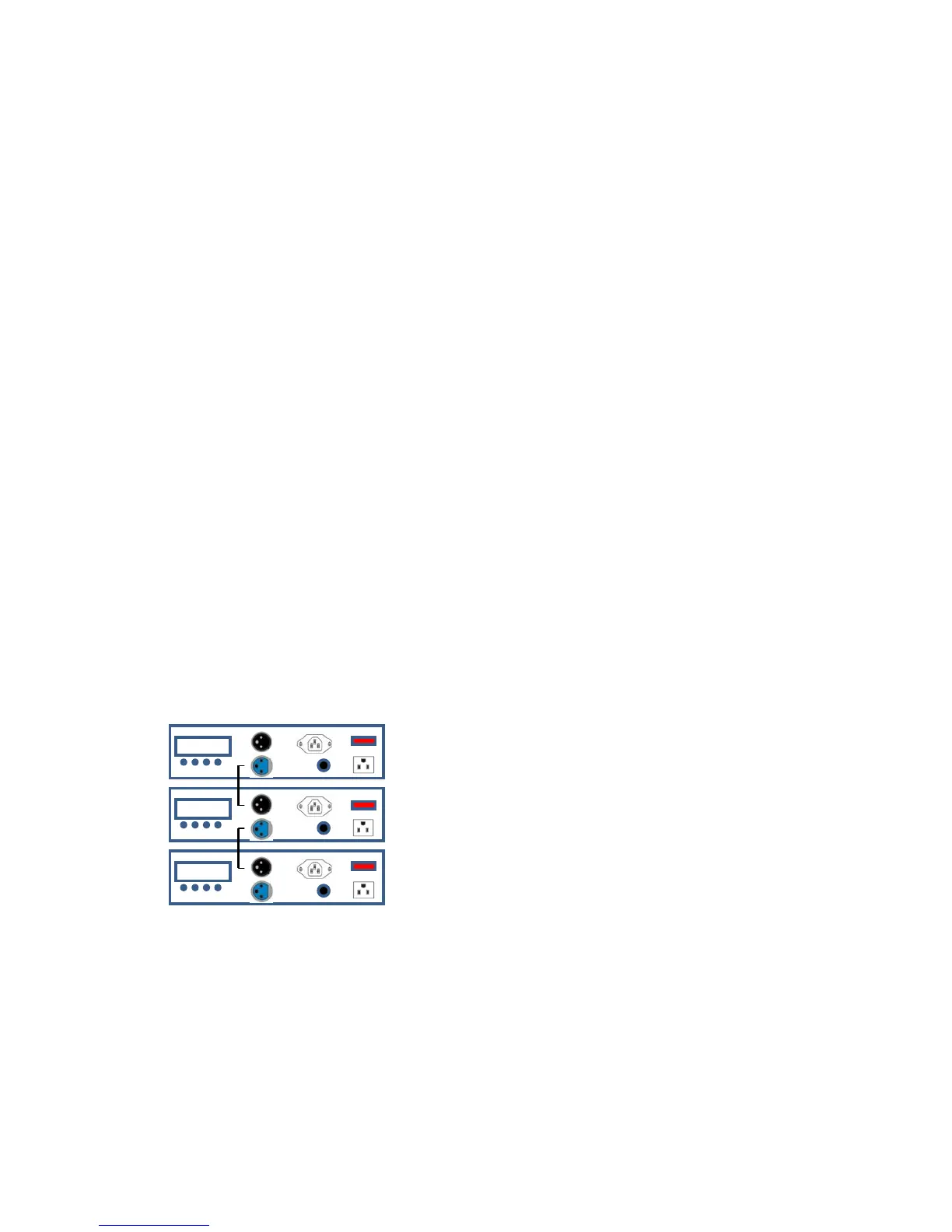
Master/Slave Mode (Master Sound, Master Auto)
The Master/Slave mode allows LP-10 fixture to control one or more LP-10 fixtures without a DMX controller.
The controlling fixture becomes the “master” when running an Auto program, a Custom program, or by being
in static mode. The controlled fixtures are the slaves and you must set them to SLAVE mode from their
respective control panels. During the Master/Slave operation, the slave fixtures will operate in unison with the
master fixture.
The master and slave fixtures link to each other using the standard DMX serial connection.
Do not connect a DMX controller to the fixtures operating in Master/Slave mode. Otherwise, the signals from
the DMX controller may interfere with the signals from the master unit.
This mode will allow you to link up to 32 units together without a controller.
1) Use standard DMX cables to daisy chain your units together via the DMX connector on the rear of the
units. For longer cable runs we suggest a terminator at the last fixture.
2) Determine which fixture will be the master. Connect a DMX cable from the DMX output connector of the
master to the DMX input connector of other fixtures.
3) Continue connecting the slaves together with DMX cables
4) Press the <MODE> button on the master unit, until is displayed “ SLAE “.
5) Use the <UP> and <DOWN> buttons to locate the desired program ( FLAS, FAdE, FbdE, ACC-, Sud1,
Sud2 ).
Some programs are static, and some can trigger to sound. See the Menu Values section on the previous page
for a complete list of programs.
6) Each program has settings which can be configured by pressing <ENTER> while the program is displayed.
Press <ENTER> while the program is displayed. Scroll through to the desired setting and press <MODE>.
See the Menu Values section on the previous page for a complete list of settings.
DC
DC
DC
DMX
IN
DMX
OUT
DMX
IN
DMX
OUT
DMX
IN
DMX
OUT
MASTER
SLAVE
SLAVE



 To Next Page