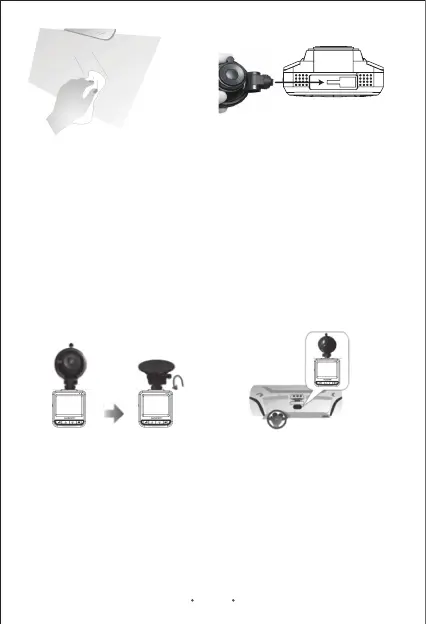
Picture 1
Windshield
Picture 2
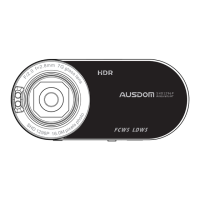
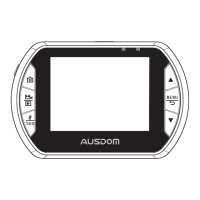
Mount Bracket Car DVR Recorder
Inserting the Memory Card
Note:
1.Dirty or moist glass will prevent the mounting bracket from firmly
mounting onto the windshield.
4.Find the best position on the windshield to mount the unit. Move the
rotatable knob clockwise until you hear a click to ensure the unit firmly
mounted on the windshield. (Refer to Picture 4)
1.Before starting to record, you have to insert a Class 6 or above micro
SD card with up to 64GB capacity into the slot located on the side of
the unit. (Refer to Picture 5)
Note: For the best field of view, it is better to mount the unit in the
middle of the windshield near the rear-view mirror.
2.Insert the mounting bracket into the mount socket located on the top
of DVR Camcorder Recorder and slide sideways until the mounting
bracket is mounted on the DVR Camcorder Recorder firmly. (Refer to
Picture 2)
3.Turn the adjustment knob counter-clockwise to loosen and then
adjust the DVR Camcorder Recorder to a suitable angle. (Refer to
Picture 3)
Picture 3 Picture 4
EN 5


 To Next Page