LED Indicators
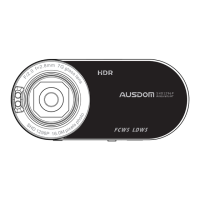
The unit provides you the LED Indicators located on the right top
corner of the unit that specifying the unit current status.
EN 8
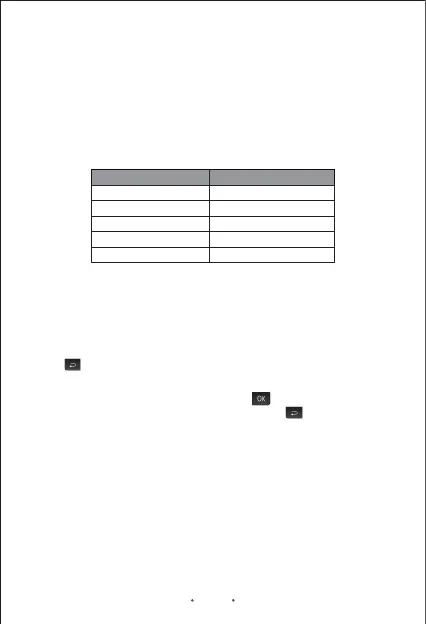
Solid Blue
Flashing Blue
Solid Red
Power on
Recording
Solid Blue Recording completed
Solid Red LED goes off Charging completed
Charging
LED Status Definition
Note: The unit will automatically power on and appear “USB connecting”
when you connect the unit to the power supply with a USB cable for
charging. The unit will power off automatically when you unplug the
USB cable to stop charging.
Menu Configurations
Note: You can not configure the menu settings in the recording mode.
Any operating in the recording mode, press button to exit so that you
can enter the menu configurations by pressing the button.
Values: 2560*1080 30P 21:9/2304*1296 30P 16:9/1920*1080 45P
16:9/HDR 1920*1080 30P 16:9/1920*1080 30P 16:9/1280*720 60P
16:9/1280*720 30P 16:9
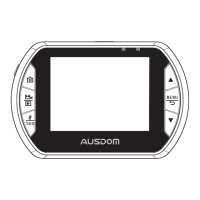
Press button to enter menu configurations.
Video Resolution
Set the resolution for recording video. As the resolution goes up, the image
becomes clearer, sharper, more defined, and more detailed as well.
Recycle Record
Note:
- Whether the unit is in the power on or power off status that will not
affect the charging.
- When the battery is running out of power (low power status), the unit
will sound an alert tone and then power itself off immediately.
You can choose loop recording time from 4 options: Off/1 Minute/3
Minutes/5 Minutes . Loop recording time determines the length of the


 To Next Page