
 Need help?
Do you have a question about the Auta 754005 and is the answer not in the manual?
Lists key technical specifications, functionalities like multitone, volume, and duplex communication.
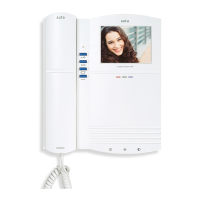
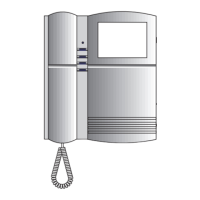
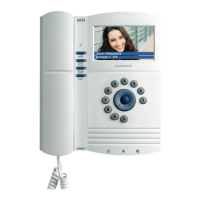
Identifies and describes the physical parts of the monitor using labeled diagrams.
Provides step-by-step instructions for mounting the monitor and connecting wires.
Details dip-switch and jumper settings for various operational modes and functions.
Lists the physical measurements of the monitor in millimeters.
Explains the different operational states of the monitor indicated by the LED.
Describes interaction with external call panels and concierge systems, including call handling.
Details how to use the internal communication features between monitors/phones.
Covers customization of ringtones and audio volume levels.
Explains the function of Auto-Starting and Master/Slave jumpers for system setup.
Covers panel call addressing and switch-based feature configurations.
Details how to make and receive intercom calls, including general calls.
Defines the monitor's role in intercom systems and its communication capabilities.
Details jumper settings for self-starting and master/slave modes, plus switch options.
Explains how to select ringtones, adjust volume, and configure call extensions.
Describes standby mode, making calls, receiving calls, and conversation length.
Illustrates wiring for secondary and principal monitors using coaxial cable.
Shows wiring for principal and secondary monitors using twisted pair.
Diagram for connecting the monitor to a HUB-8C via RJ45.
Shows wiring diagrams for single-family homes and multi-unit buildings.
Instructions on how to change the monitor's audio volume.
Explains the multitone system and how to select different call tones.
 General
| Brand | Auta |
|---|---|
| Model | 754005 |
| Category | Intercom System |
| Language | English |


 To Next Page