
 Need help?
Do you have a question about the Auta DIGITAL COMPACT and is the answer not in the manual?
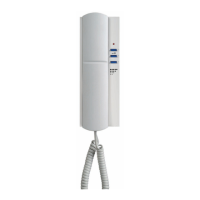
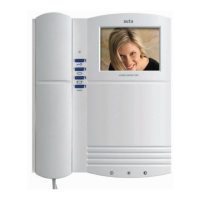
Digital internal intercom telephone allowing up to 6 terminals with auxiliary outputs, melodies, and special functions.
Details on the built-in speaker and microphone components.
Covers intercom calling, hanging key, status LED, call volume, and melody selection.
Configuration options for special functions, priority mode, and general call reception.
Details on various connections, including Ding-Dong, auxiliary bell, and data outputs.
Illustrates the physical mounting process of the intercom unit.
Provides a wiring diagram for installing the intercom system.
Describes how calls are received, ringing duration, and conversation limits.
Explains how to initiate an intercom call to another device using its number.
Details how to activate a broadcast call to all system devices.
Instructions on how to adjust the call volume to medium or high levels.
Guide to selecting different ring tones from available options.
Enables replacing the interior house bell with differentiated calls.
How to use the push-button for auxiliary functions like garage doors or lights.
Explains how to activate priority mode to end ongoing conversations.
Step-by-step guide for programming various special functions via buttons and bridges.
Details the binary codes for assigning specific functions like call tones and output activation.
 General
| Category | Intercom System |
|---|---|
| Type | Digital |
| Speaker Output | 1W |
| Encryption | Yes |
| Humidity | 10% to 90% |


 To Next Page