29
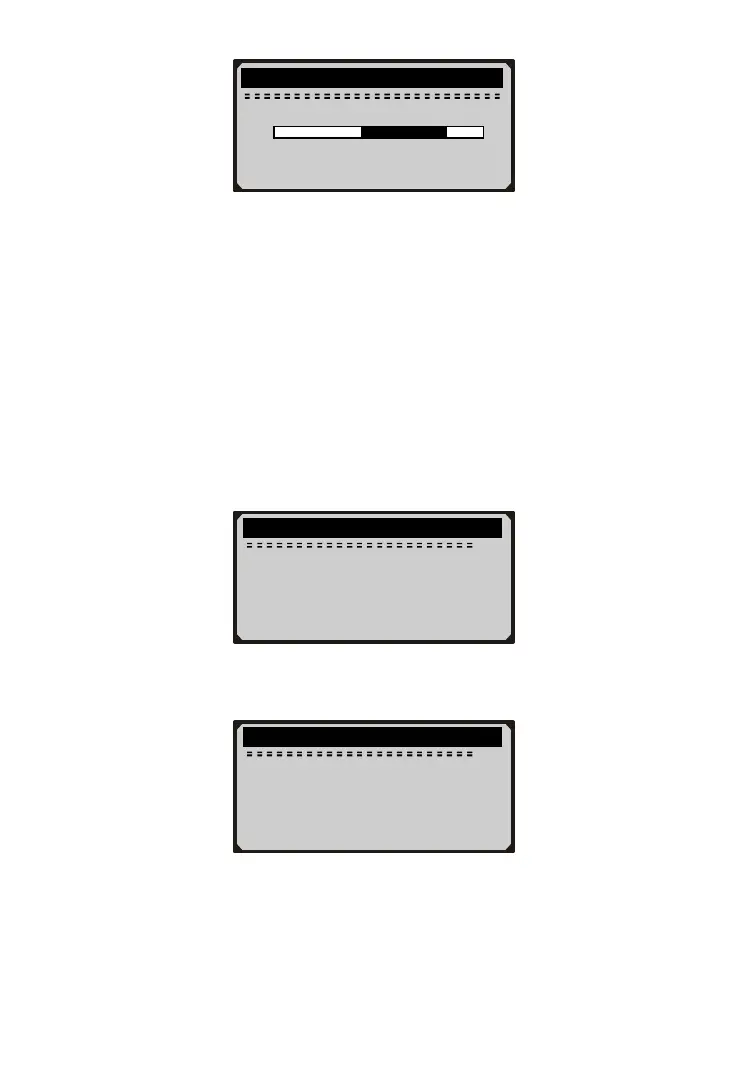
18) Actuate the pedal gently to raise the pressure to 10-20 bar and
keep it for 5s.
19) Follow onscreen instructions to complete operation of current
phase:
- The fill level of the pedal travel simulator is in order.
- Release brake pedal.
- Check fill status of wheel brake circuit HZ2 (secondary brake
circuit).
20) Press Y button or gently operate the pedal to continue, and the
device starts to communicate with the vehicle.
21) Use UP/DOWN button to view onscreen prompts
prompt screens to be continued…
........ Inspect Brake Air .... .
7.8 bar
0 25
↑
Hold pressure within
black range for 5s.
........ Inspect Brake Air .... .
1/3
1. Increase brake
pressure slowly and
evenly.
2. At 10 bar the brake
pedal counterforce
is reduced but
........ Inspect Brake Air .... .
2/3
needs to be applied
further!
3. Brake pressure must
not rise beyond the
specified range!
4. Actual value should



 To Next Page