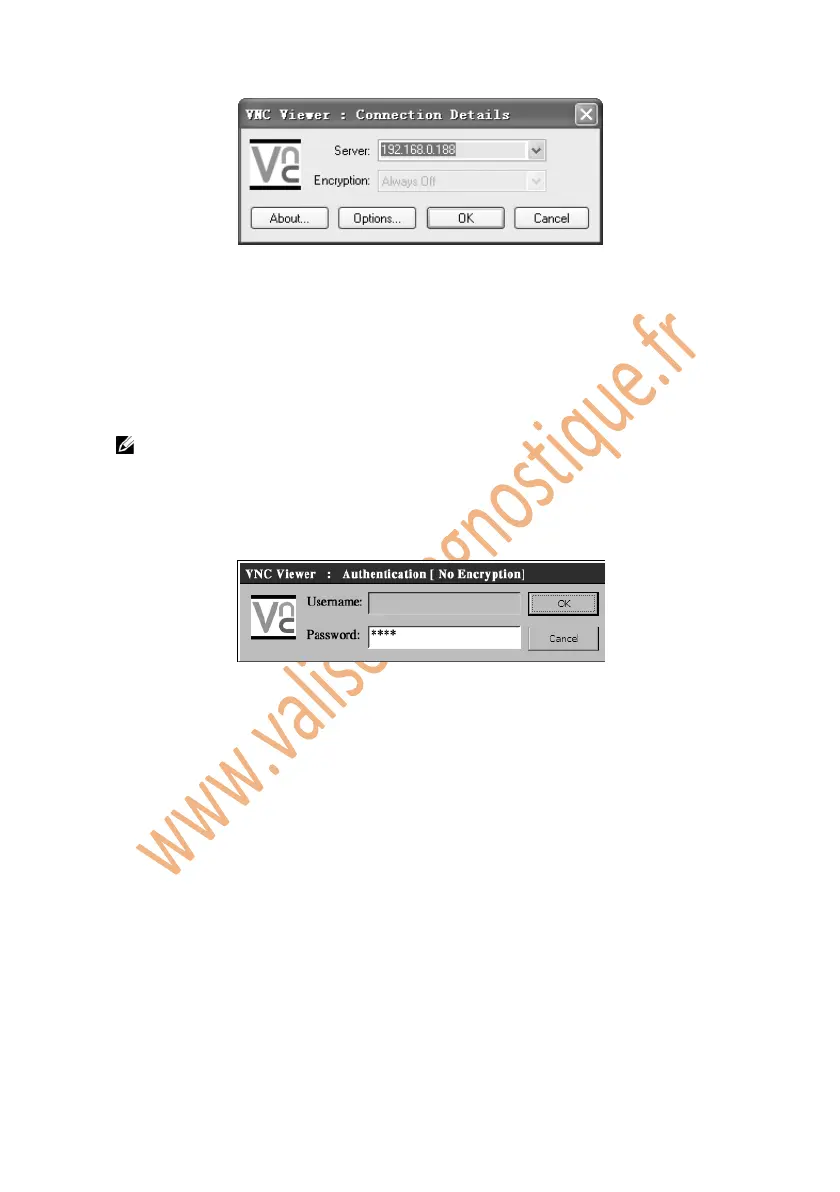
Figure 5.11: VNC Viewer
6. Set the Encryption box as “always off” if you have not set a password in
step 2.
7. Click on OK
NOTE: If you have set a password in step 2, a “VNC Viewer:
Authentication [No Encryption]” window will pop up. You are required
to enter your password.
Figure 5.12: VNC Viewer: Password
5.11. About
The About function provides information of the scan tool regarding the
version, hardware, product ID, copyright, and etc.
1. Follow the instructions in the General Procedures to display the
Setup/Help screen.
2. Click on the About icon and wait for the About window to pop up.
3. Click on OK to exit.















 To Next Page