Shop Manager Operations Vehicle History
76
Touching this button opens the Vehicle History
screen which displays the correlated test vehicle
records.
Completes editing and saves the file.
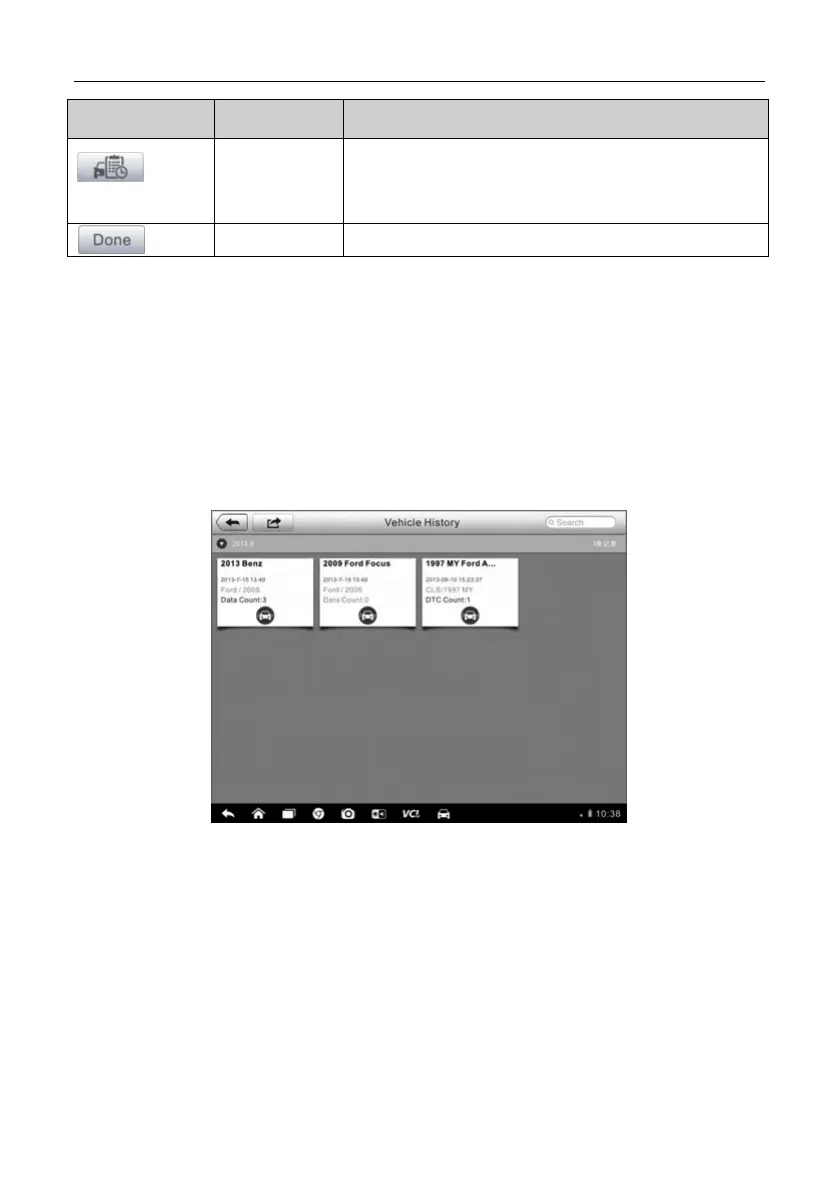
7.1 Vehicle History
This function stores records of test vehicle history, including vehicle
information and the retrieved DTCs from previous diagnostic sessions, and
displays all information in an easy-to-check table list, on which you can view
summarized details and manually input other information about the test
vehicle and diagnostic loggings, etc. The Vehicle History also provides direct
access to the previously tested vehicle and allows you to restart a diagnostic
session without the need to do vehicle identification again.
Figure 7- 1 Sample Vehicle History Screen
1. Top Toolbar Buttons – navigates and makes various controls of the
application.
2. Main Section – displays all the vehicle history records information.
To activate a test session for the recorded vehicle
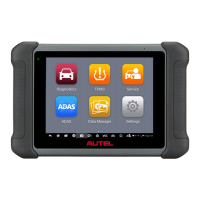
1. Tap the Shop Manager application on the MaxiSys Job Menu.
2. Select Vehicle History




 To Next Page