9
2 Click on “Next” on the welcome page.
3 Select “Next” on the installation location and installation name. It is
recommended not to change the default settings; otherwise the
computer may have a hard time recognizing the driver.
4 Click on “Install” and the driver program will be installed onto your PC.
NOTE: During this part of the process a MS-DOS style window will pop
up and may remain on your screen for a short while, which is perfectly
normal. Do not attempt to close the MS-DOS style window manually as
this will prevent the device driver being installed successfully. It will close
automatically when the device driver installation is complete.
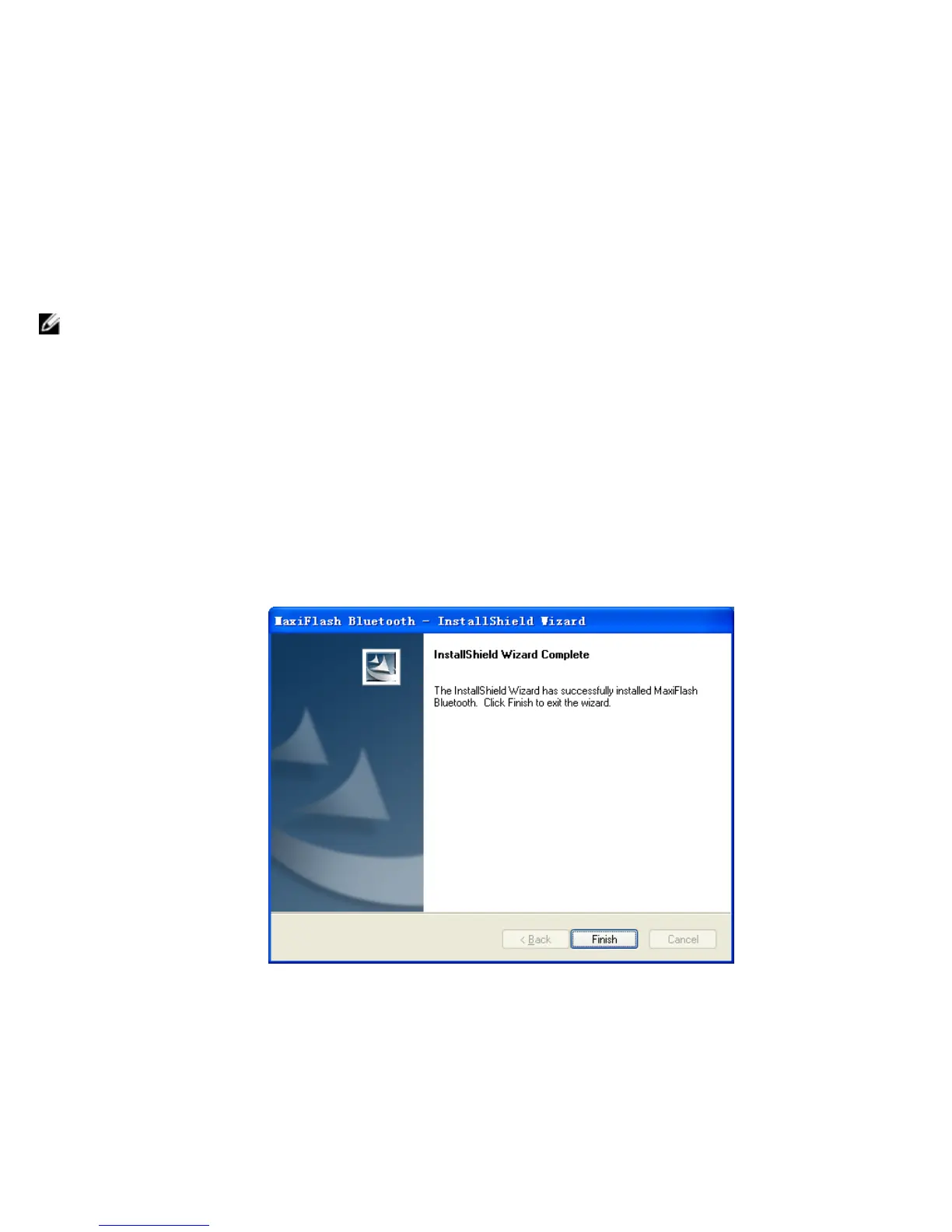
5 When the driver is successfully installed, a confirm window will appear.
6 Click on “Finish”, and connect the interface device to the PC’s USB port.
7 A “Found New Hardware Wizard” window will pop up. Make sure “No,
not this time” is selected and click on “Next”.














 To Next Page