11
1 Power up the interface device and connect to the PC via the USB cable.
2 Verify the Power and USB LEDs on the front panel are illuminated.
3 Click on “All Programs” from Windows Start Menu, find the “MaxiFlash
Bluetooth” entry under “Autel”, click on “UpGrade”, and wait for the
program interface to pop up.
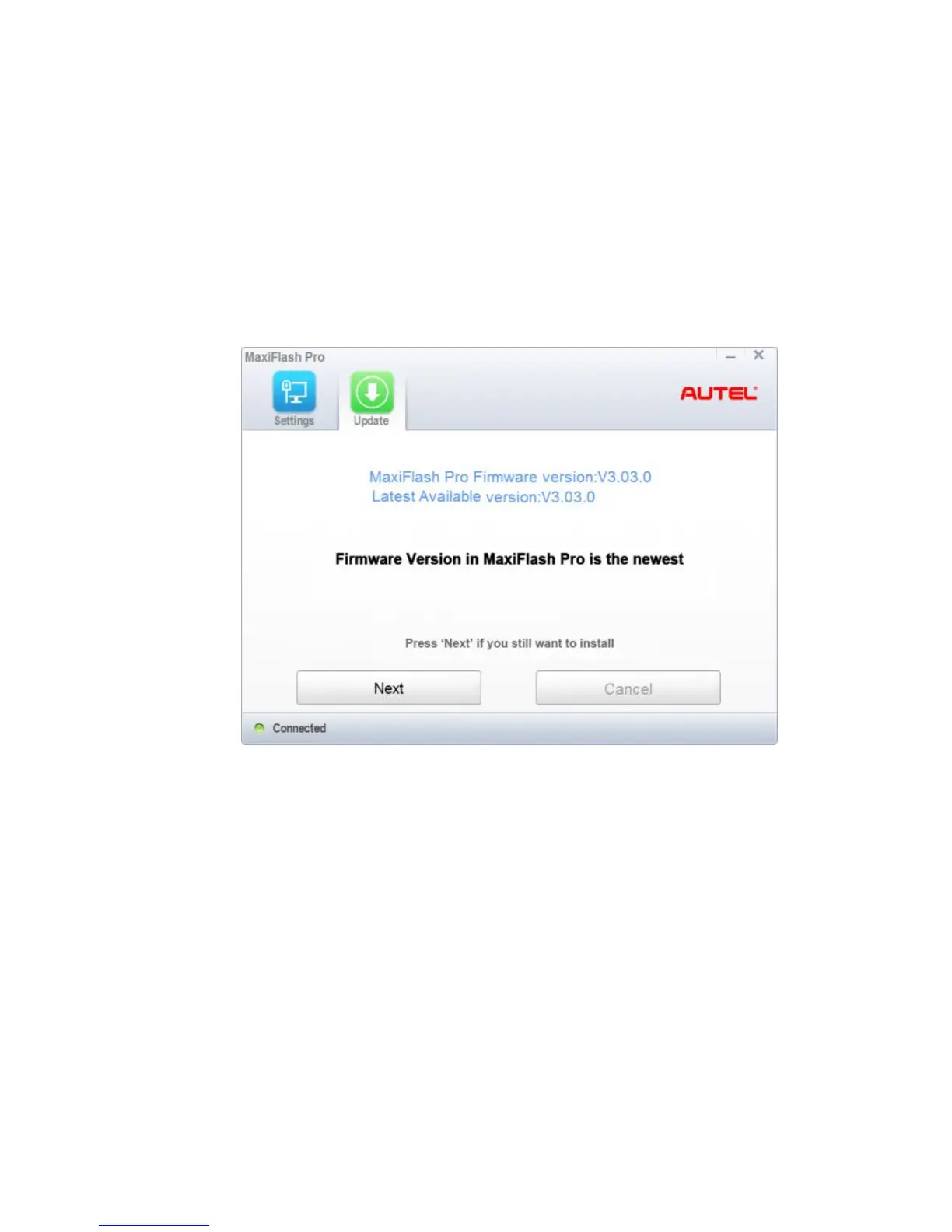
4 Select the “Update” tab and the update agent will automatically check for
the available update online.
5 Press the “Next” button to install the newest firmware.
6 Press the “Cancel” button to exit.














 To Next Page