24
5.1 Check mode
Brake Disc Check
The Brake Disc function checks for brake disc wear and provides wear
analysis. This check mode focuses on brake disc measurements only.
To perform a Brake Disc Check
1. Tap the Brake Disc application icon on the Main Job Menu.
2. Place the tool on the disc surface and press the Power/Measure
button to start measuring.
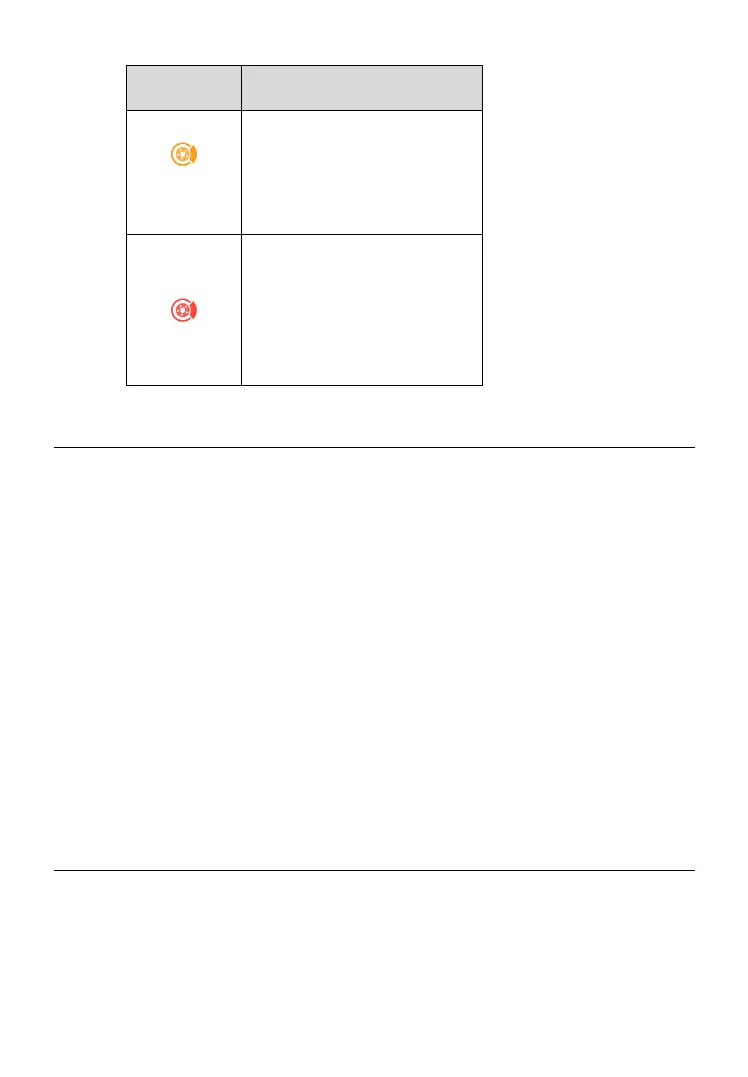
3. Real-time measurement data will display on the screen with wear
status represented by different colors.
4. Select a disc location on the screen, swipe left to view details, and
scroll down the screen to view wear analysis.
5.2 Details
The Details screen shows information regarding brake disc wear. After
measurements are shown on the screen, select a disc location, swipe left
to view details of the chosen disc. Below are the main sections featured in
the Details section:



 To Next Page