36
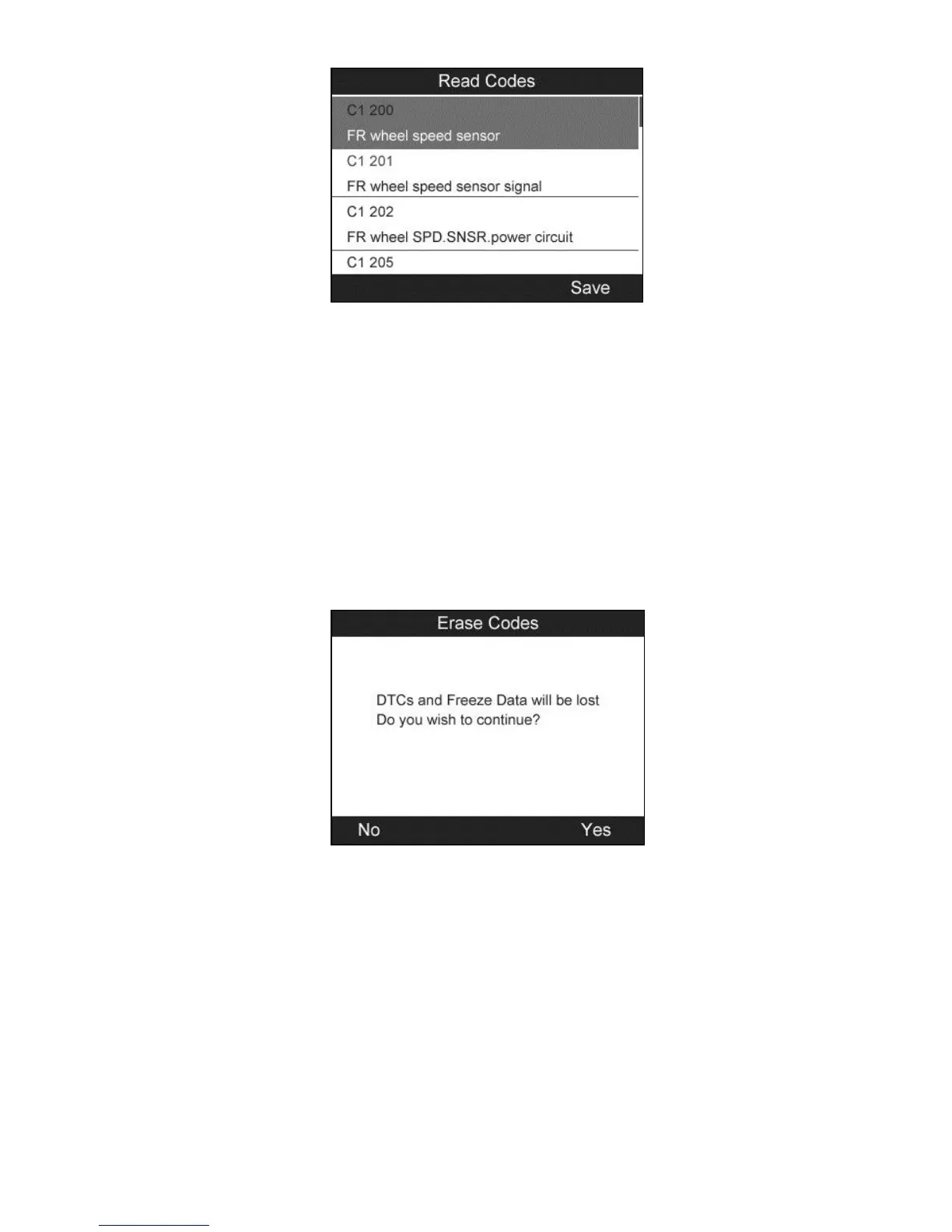
Figure 4.26
The saved DTC and sensor data can be reviewed in Review Data,
which supports easy data playback and printing.
Erase Codes
1) From TPMS Diagnosis Menu, use the UP/DOWN scroll button
to select the Erase Codes, and press the Y button (Figure 4.21).
2) The tool will display a warning message for your confirmation.
Press the Y button to continue, or N button to exit.
Figure 4.27
3) If the erase command is sent successfully, the screen will show as
below (Figure 4.28). Press any button to continue. To make sure
codes are erased clearly, run Read Codes again.


 To Next Page